
YOUR PLACE TO GROW

events rooms

Our rooms - your success

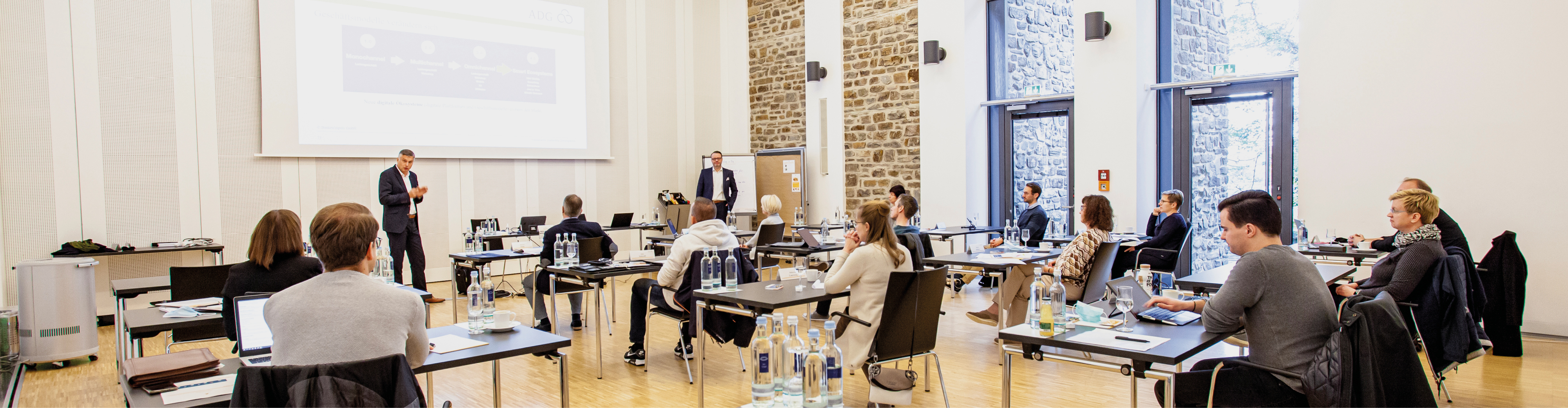
For small workshops through to major events – we offer you the right venue for working constructively and successfully. Our rooms combine tradition with modernity to create a truly special atmosphere that will inspire you. All our rooms are equipped with cutting-edge technology and are geared towards different group sizes. Our team is always on hand to provide your participants with the right sustenance

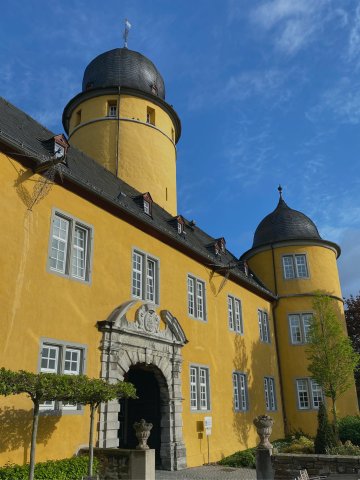
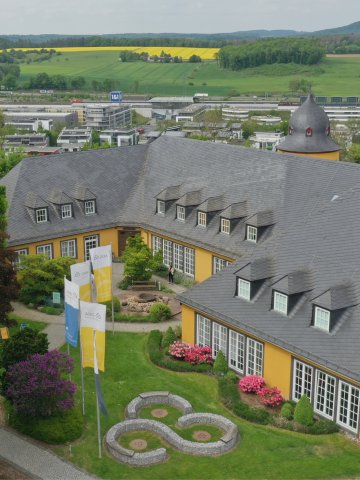
A look at the grounds of Hotel Schloss Montabaur 
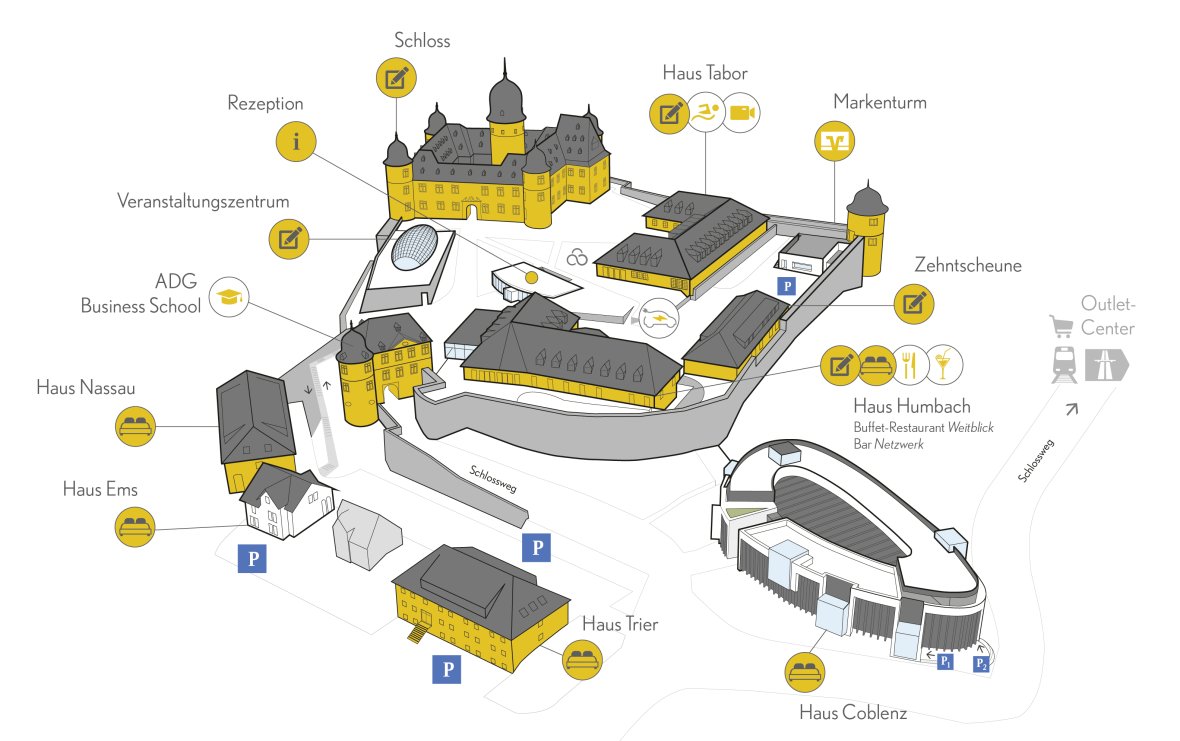
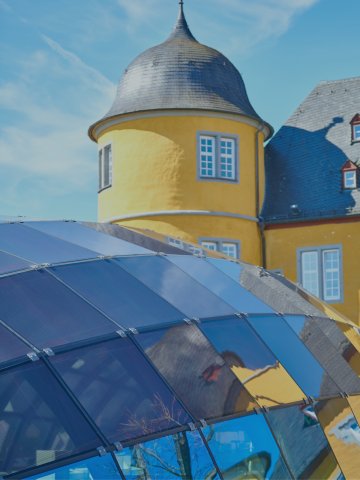
Exterior view of Hotel Schloss Montabaur with castle grounds


An overview of our events rooms 

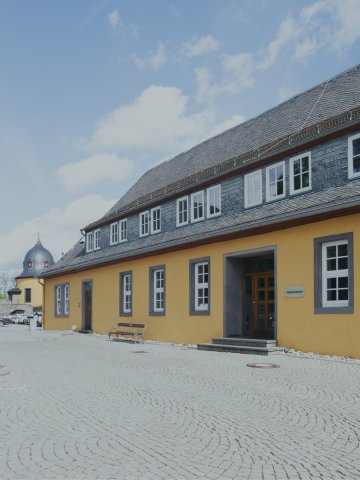
We offer you 32 meeting and events rooms of various sizes in the modern events centre, directly inside the Baroque main castle and in the external Haus Tabor building, Haus Humbach building, Zehntscheune building and VR20 buildings.  
Are you planning a multi-day event? 

Then you have come to the right place! Your participants can stay in our guest houses directly on site (not wheelchair-accessible) – all our events rooms as well as the Haus Humbach building with restaurant, bar and spa area are within easy walking distance.  
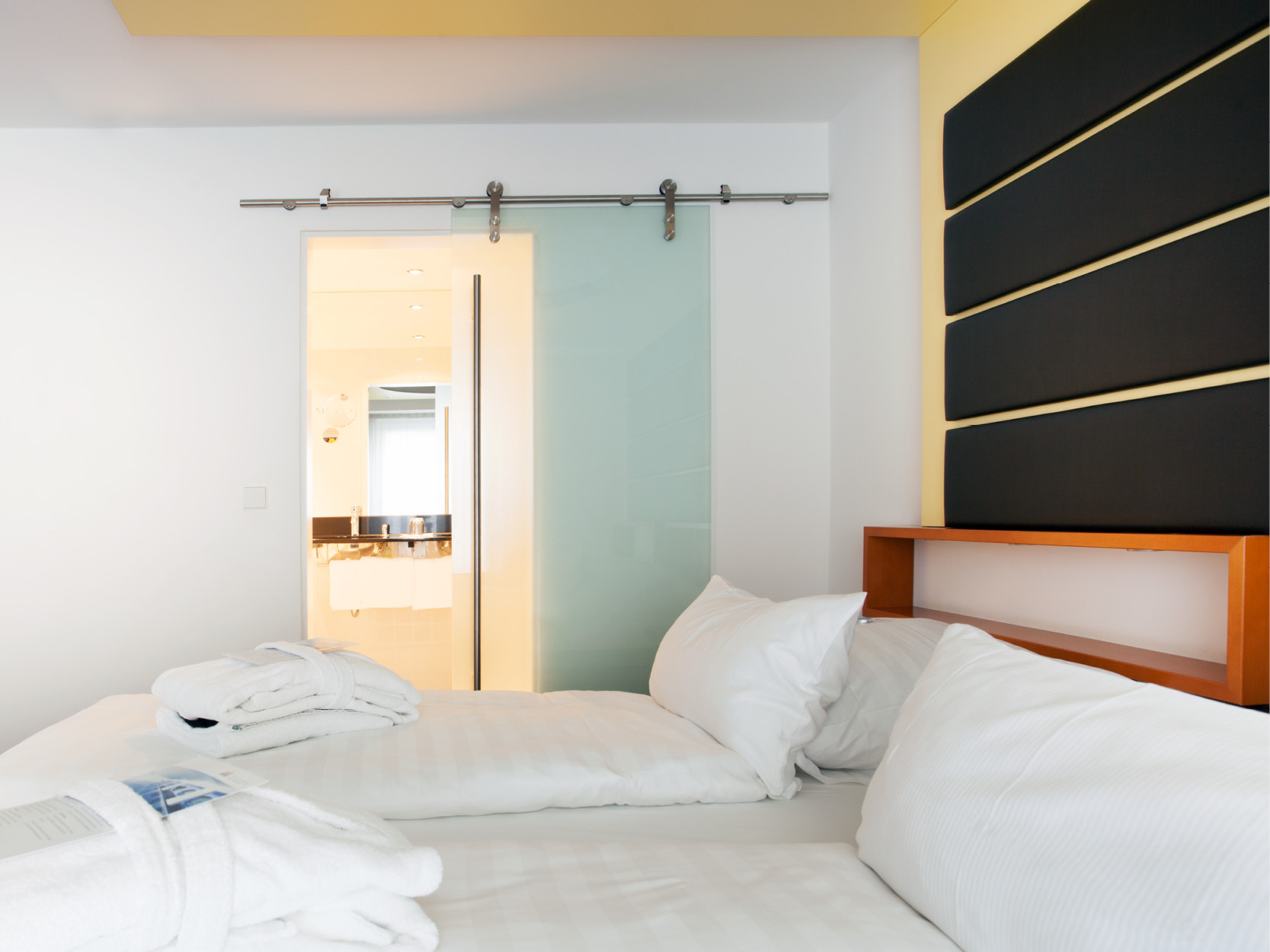
Your economy room at Schloss Montabaur: modern, bright and practical with desk.

MULTI-DAY EVENTS 

More than just a place to sleep: our rooms are real sanctuaries! 

See for yourself

Assistance for Accessibility

  • General

    We are committed to making our websites accessible. Details can be found in our Accessibility Statement. You can provide suggestions for improvement to us through our Report Barrier feedback form.

  • Font Size

    To adjust the font size, please use the following keyboard shortcuts:

    Bigger

    command
    +

    Smaller

    command

    Bigger

    Ctrl
    +

    Smaller

    Ctrl
  • Keyboard Navigation

    Use TAB and SHIFT + TAB to navigate through next/previous links, form elements, and buttons.

    Use ENTER to open links and interact with elements.

  • Contrast mode

    Drücken Sie die folgende Tastenkombination, um den Kontrast zu verringern bzw. zu vergrößern:

    Increase

    control
    option
    command
    .

    Decrease

    control
    option
    command
    ,
    Note: The shortcuts must be enabled in the system settings of the operating system.

    Press the left ALT key + left SHIFT key + PRINT to quickly turn on or off the high contrast mode

  • Invert colors

    Press the following key combination to turn on and off color inversion:

    control
    option
    command
    8
    Note: The shortcuts must be enabled in the system settings of the operating system.

    Press the left ALT key + left SHIFT key + PRINT to quickly turn on or off the high contrast mode

    1. Screen magnifier

    +

    2. Invert colors

    Ctrl
    Alt
    I
  • Screen magnifier

    Press the following key combinations to use the screen magnifier:

    Enable/disable

    option
    command
    8

    Zoom in view

    option
    command
    =

    Zoom out view

    option
    command
    Note: The shortcuts must be enabled in the system settings of the operating system.

    Activate screen magnifier / zoom in view

    +

    Zoom out view

Choose a language