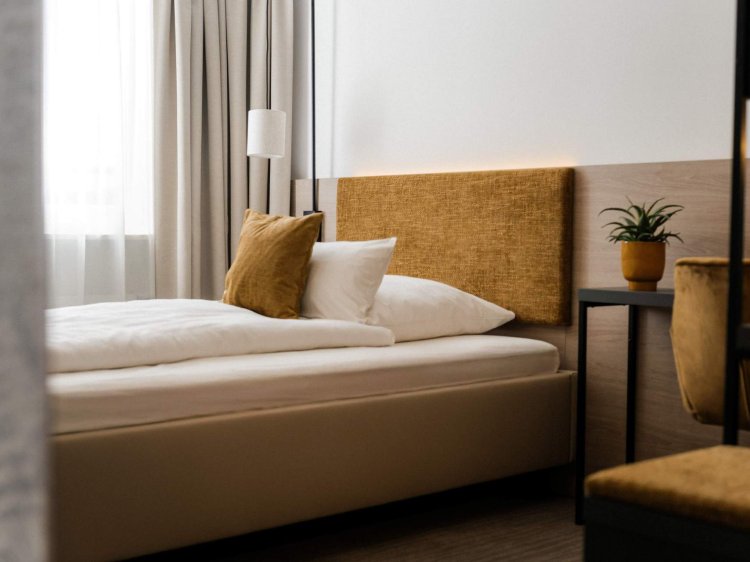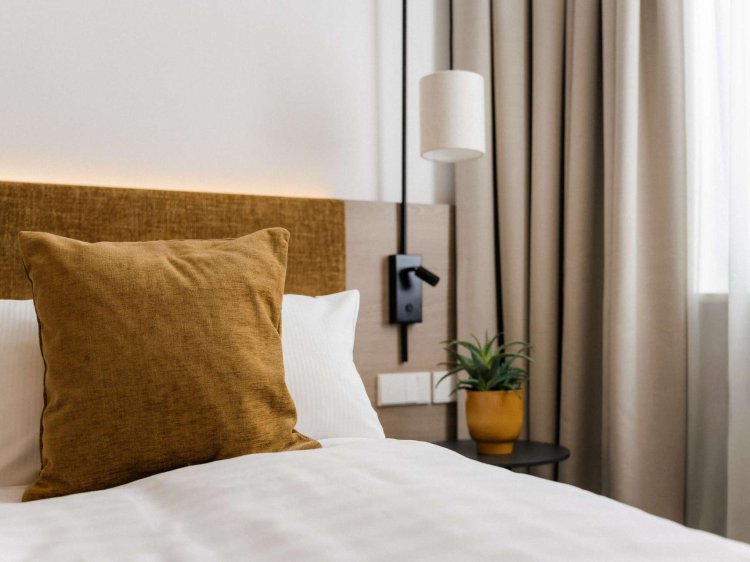

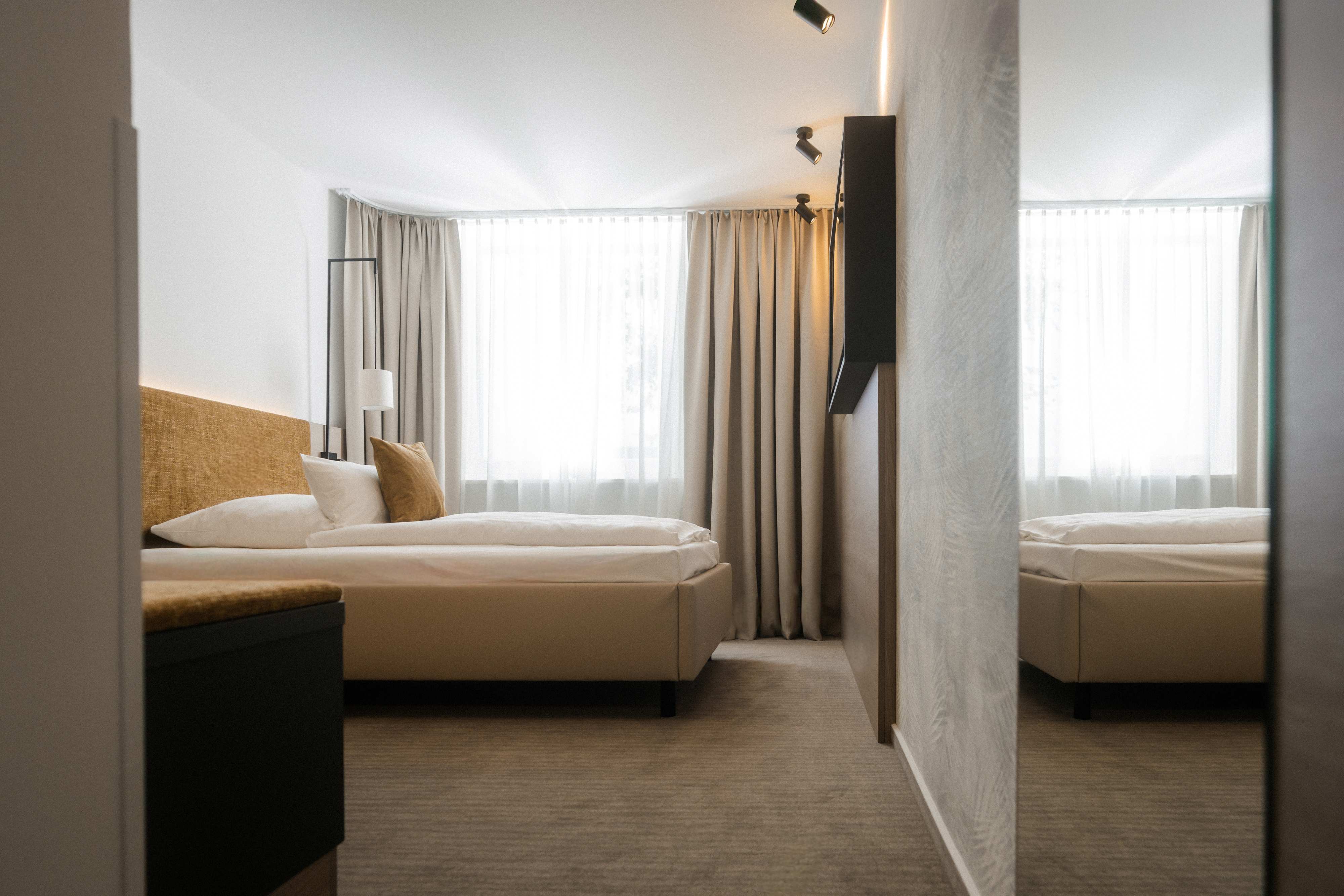
Economy room with desk, bed and comfortable seating

YOUR PLACE TO RETREAT

Arrive, switch off, feel good

Economy single room in the Trier and Nassau guest house


Our newly renovated economy single rooms in the Trier guest house and Nassau guest house welcome you in a modern, warm color concept that immediately invites you to relax. Here you will find the peace and quiet you need - in a stylish ambience and with a loving eye for the essentials.
Enjoy restful sleep on comfortable large upholstered beds (1.20 x 2.00 m) with high-quality MATYX® pocket spring mattresses. Start your day in a relaxed manner - with a healthy, varied breakfast buffet that leaves nothing to be desired.

Simply feel good.

equipment

Our Economy rooms are comfortably furnished and offer everything you need for a pleasant stay: comfortable upholstered beds (1.20 x 2.00 m) with high-quality MATYX® pocket spring mattresses, soundproof doors, bathroom with shower and WC, hairdryer and mirror with integrated lighting, safe, desk, 43'' LED TV, automated external shading, ceiling light with fan, self-service bar in the guest house. High-speed Wi-Fi is available in every room and on the entire campus to keep you connected.
Price: from € 147 / single room and night
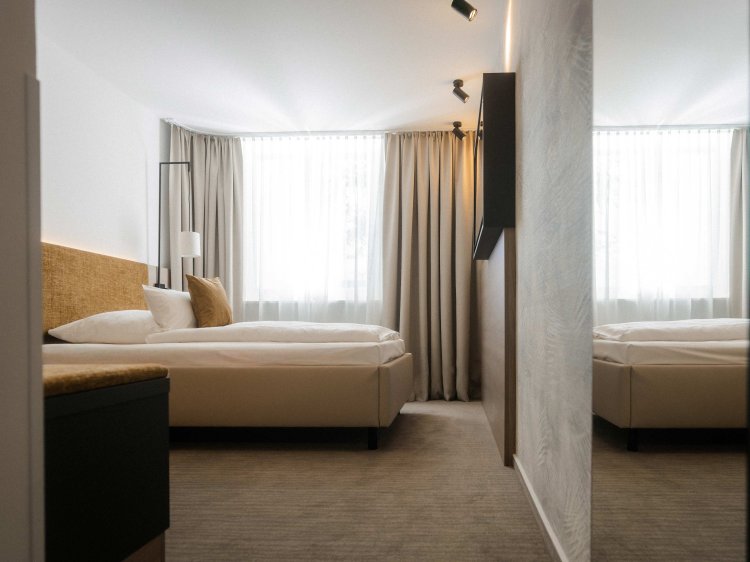
Economy room with desk, bed and comfortable seating
Economy  room at Hotel Schloss Montabaur
Economy room – functional comfort at the castle.
Included services

Comfort & relaxation

  • Varied breakfast in the buffet restaurant Weitblick - including hot drinks and freshly squeezed orange juice
  • Relaxation & activity in the spacious spa area with various saunas, fitness room, large swimming pool (18 × 9 m), cozy relaxation rooms and the vitality bar
  • Always well connected: High-speed internet via Wi-Fi - in your room and throughout the castle grounds
  • Departure service: our team will be happy to take care of your suitcase on the day of departure

Back to overview

Assistance for Accessibility

  • General

    We are committed to making our websites accessible. Details can be found in our Accessibility Statement. You can provide suggestions for improvement to us through our Report Barrier feedback form.

  • Font Size

    To adjust the font size, please use the following keyboard shortcuts:

    Bigger

    command
    +

    Smaller

    command

    Bigger

    Ctrl
    +

    Smaller

    Ctrl
  • Keyboard Navigation

    Use TAB and SHIFT + TAB to navigate through next/previous links, form elements, and buttons.

    Use ENTER to open links and interact with elements.

  • Contrast mode

    Drücken Sie die folgende Tastenkombination, um den Kontrast zu verringern bzw. zu vergrößern:

    Increase

    control
    option
    command
    .

    Decrease

    control
    option
    command
    ,
    Note: The shortcuts must be enabled in the system settings of the operating system.

    Press the left ALT key + left SHIFT key + PRINT to quickly turn on or off the high contrast mode

  • Invert colors

    Press the following key combination to turn on and off color inversion:

    control
    option
    command
    8
    Note: The shortcuts must be enabled in the system settings of the operating system.

    Press the left ALT key + left SHIFT key + PRINT to quickly turn on or off the high contrast mode

    1. Screen magnifier

    +

    2. Invert colors

    Ctrl
    Alt
    I
  • Screen magnifier

    Press the following key combinations to use the screen magnifier:

    Enable/disable

    option
    command
    8

    Zoom in view

    option
    command
    =

    Zoom out view

    option
    command
    Note: The shortcuts must be enabled in the system settings of the operating system.

    Activate screen magnifier / zoom in view

    +

    Zoom out view

Choose a language