
YOUR PLACE TO GROW

events rooms

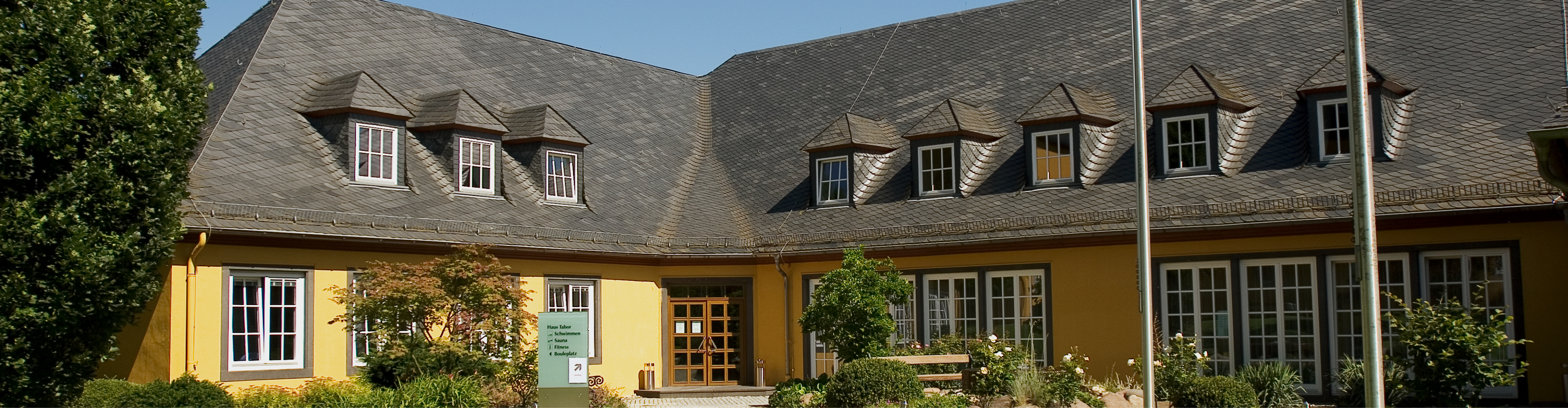
Haus Tabor building

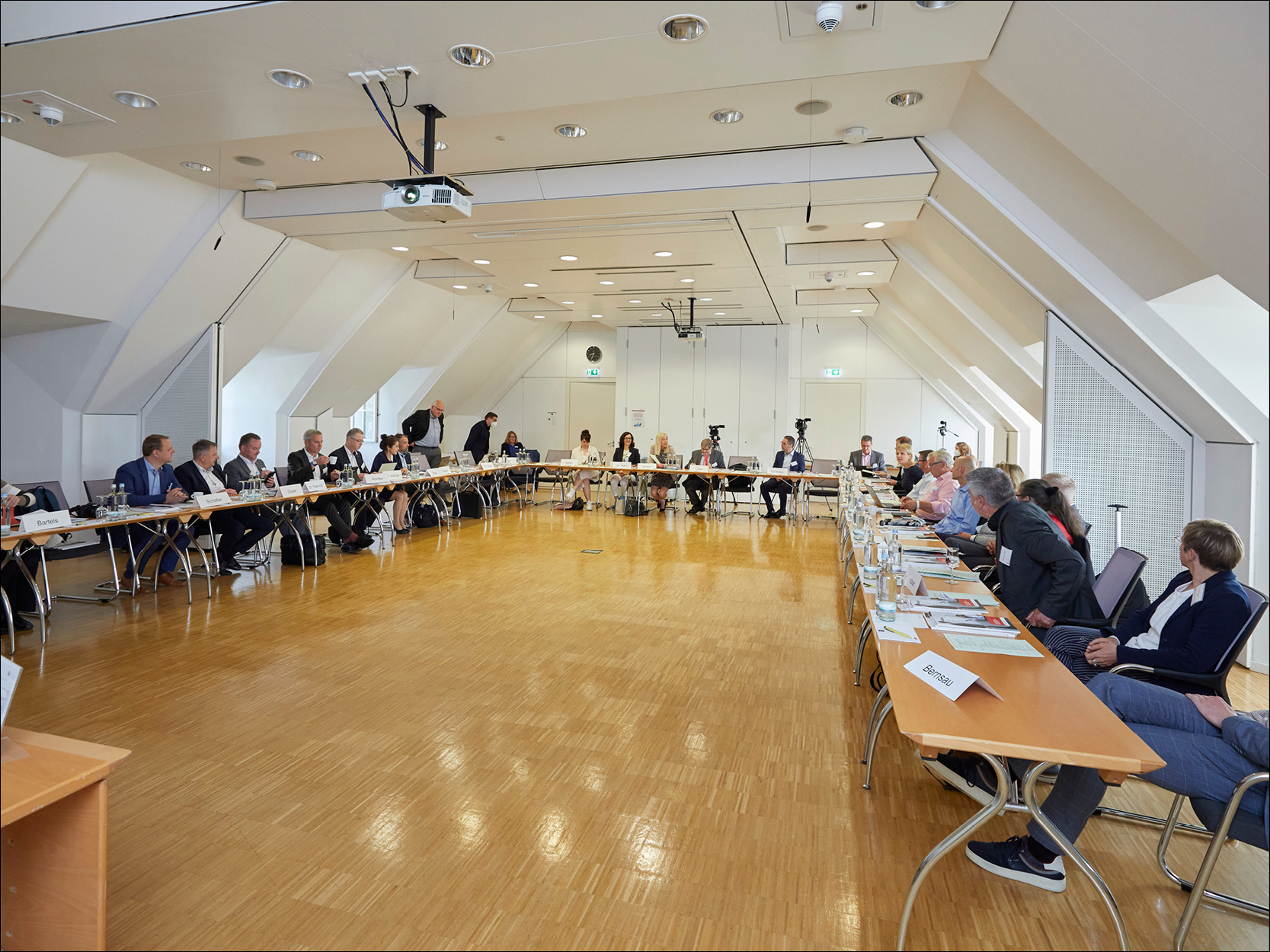
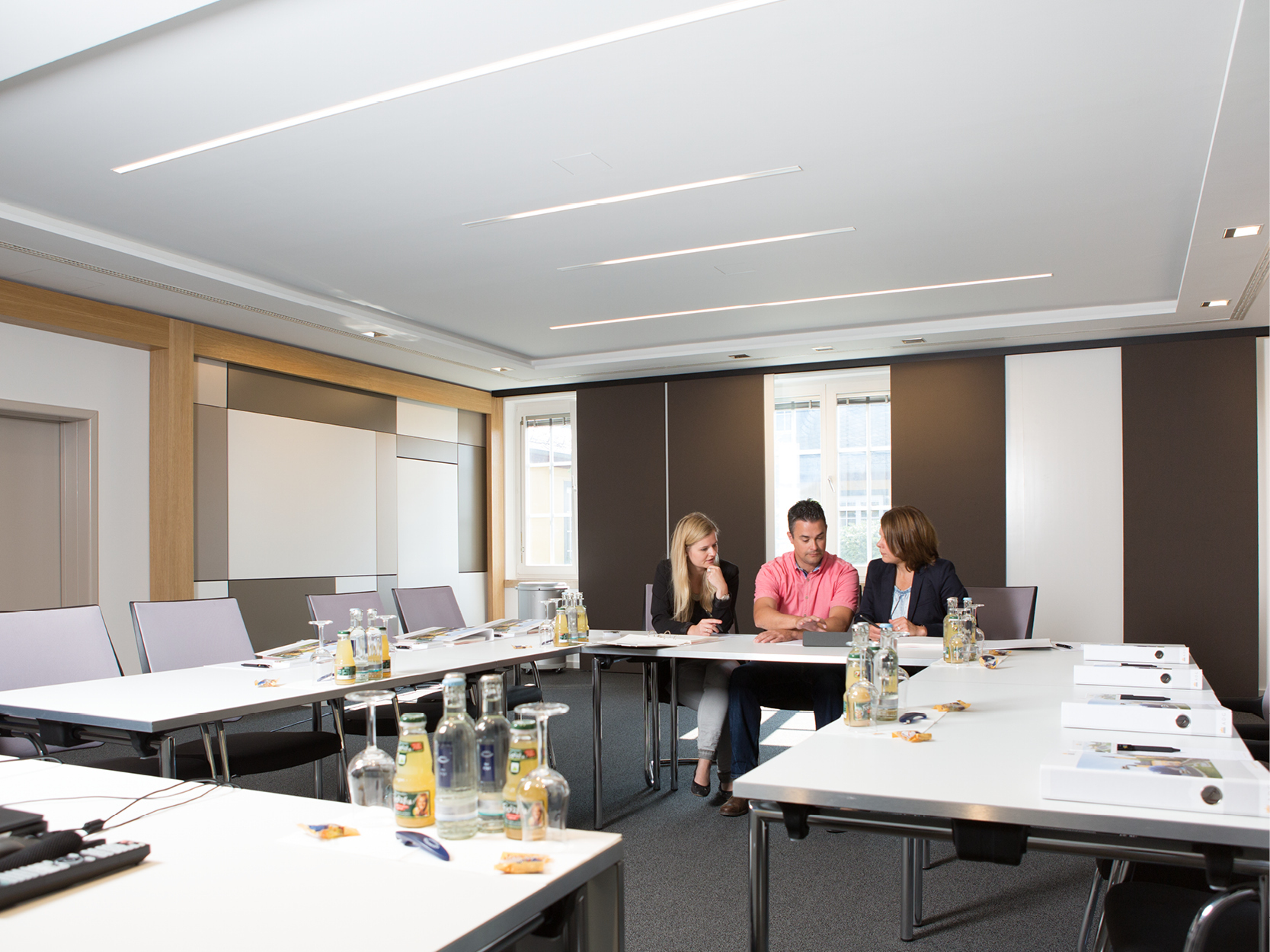
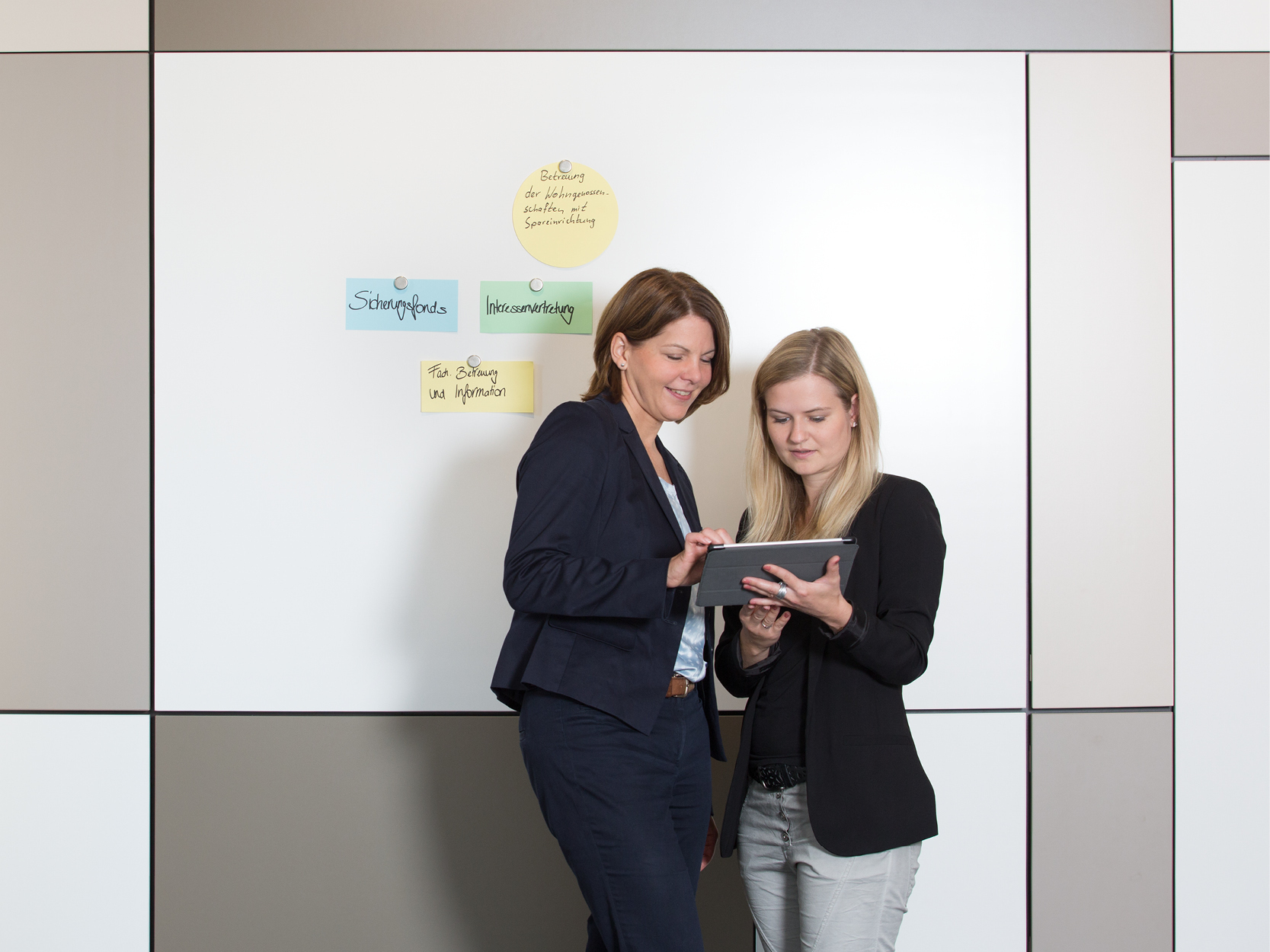
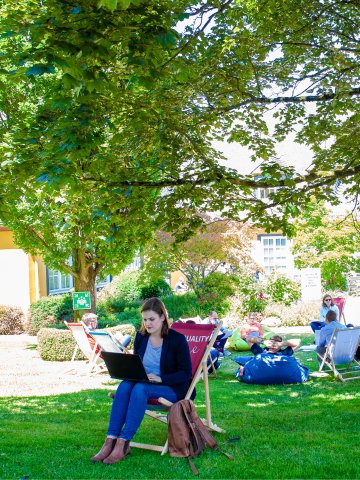
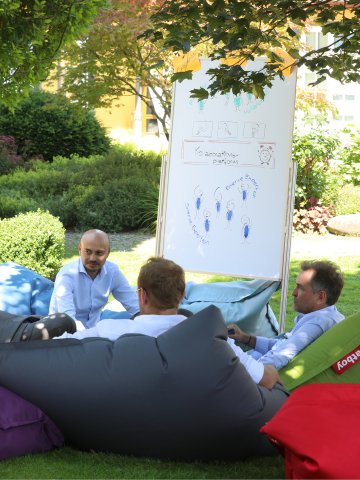
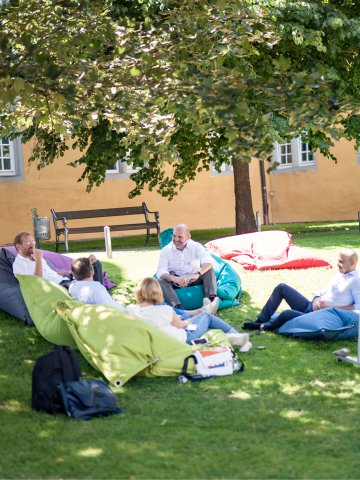
The 25 well-lit and individually appointed rooms in the Haus Tabor building are perfect for conferences and meeting with eight to 140 participants. Situated in the heart of the castle grounds, this building offers bijou sanctuaries:  in good weather, casual beanbags and recliners are ideal for enjoying breaks or getting together for an unconventional brainstorming session. The well-lit auditorium on the first floor of the Haus Tabor building is a true highlight: its high ceilings and real wood parquet flooring create a large, bright space with a special ambience. The foyers with separate work nooks are ideal for work sessions or quick team meetings.  
Ideal atmosphere - optimal results

Ideal atmosphere - optimal results

In a lovely green setting!

Casual and relaxed working...
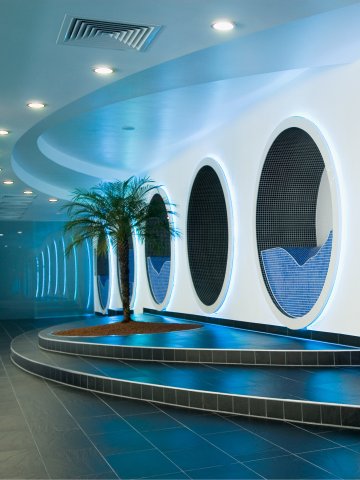
... followed by relaxation in the spa
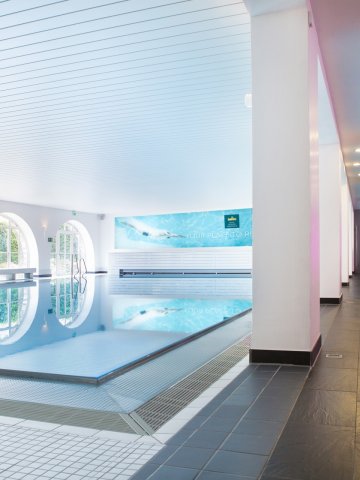
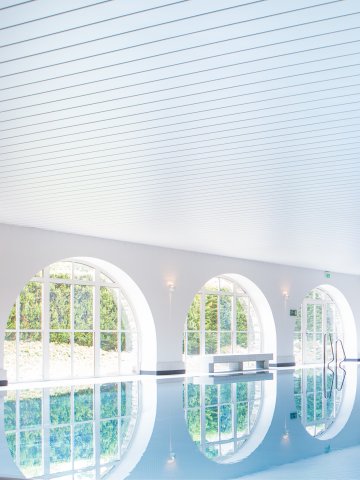
Large indoor pool in the wellness area of Hotel Schloss Montabaur
Spacious 9 × 18 meter pool at Hotel Schloss Montabaur with bright lighting and a calm atmosphere – perfect for swimming or unwinding.
Dive In & Breathe Out

Assistance for Accessibility

  • General

    We are committed to making our websites accessible. Details can be found in our Accessibility Statement. You can provide suggestions for improvement to us through our Report Barrier feedback form.

  • Font Size

    To adjust the font size, please use the following keyboard shortcuts:

    Bigger

    command
    +

    Smaller

    command

    Bigger

    Ctrl
    +

    Smaller

    Ctrl
  • Keyboard Navigation

    Use TAB and SHIFT + TAB to navigate through next/previous links, form elements, and buttons.

    Use ENTER to open links and interact with elements.

  • Contrast mode

    Drücken Sie die folgende Tastenkombination, um den Kontrast zu verringern bzw. zu vergrößern:

    Increase

    control
    option
    command
    .

    Decrease

    control
    option
    command
    ,
    Note: The shortcuts must be enabled in the system settings of the operating system.

    Press the left ALT key + left SHIFT key + PRINT to quickly turn on or off the high contrast mode

  • Invert colors

    Press the following key combination to turn on and off color inversion:

    control
    option
    command
    8
    Note: The shortcuts must be enabled in the system settings of the operating system.

    Press the left ALT key + left SHIFT key + PRINT to quickly turn on or off the high contrast mode

    1. Screen magnifier

    +

    2. Invert colors

    Ctrl
    Alt
    I
  • Screen magnifier

    Press the following key combinations to use the screen magnifier:

    Enable/disable

    option
    command
    8

    Zoom in view

    option
    command
    =

    Zoom out view

    option
    command
    Note: The shortcuts must be enabled in the system settings of the operating system.

    Activate screen magnifier / zoom in view

    +

    Zoom out view

Choose a language