

YOUR PLACE TO GROW

HYBRID CONFERENCES

Hybrid event streaming – the new way of working

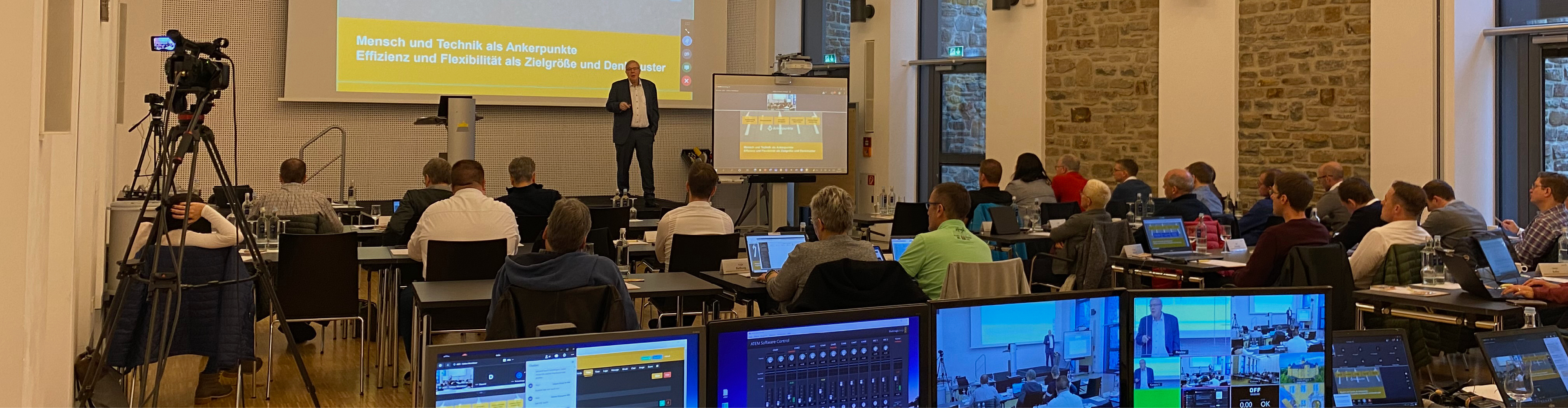
Safety, flexibility and sustainability – these are convincing arguments for choosing our digital event format: hybrid event streamingt: hybrid event streaming. Conferences, seminars, congresses and meetings of all kind can be performed in our rooms on site – additional participants can join in via state-of-the-art video technology.were not built to be handicapped accessible.

SEAMLESS PROCESSES

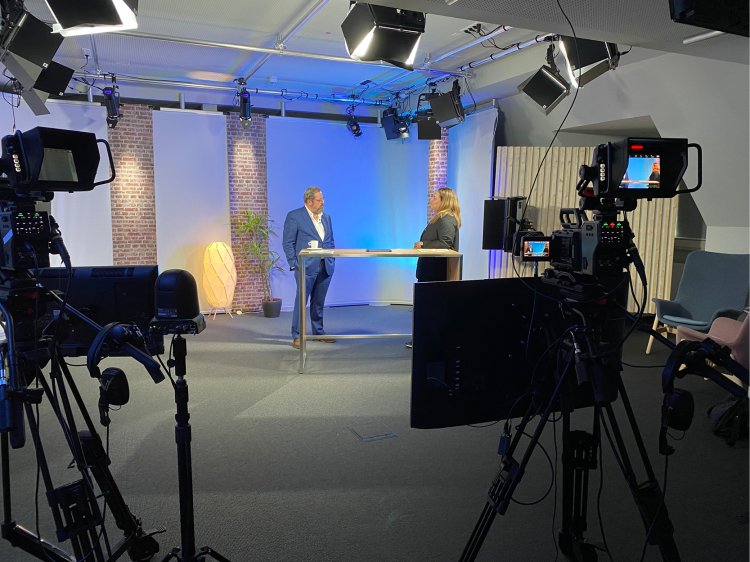
Completely professional

Leave the technical side to us: together with our partner and immediate neighbour at Schloss Montabaur, Akademie Deutscher Genossenschaften (ADG), our skilled technicians will support you during every stage, from planning through to implementation which guarantees a seamless technical process. We thereby provide you with the conditions for a professional presentation, both on site and digitally. Our skilled technicians will support you during every stage, from planning through to implementation.
ALWAYS IN GOOD HANDS

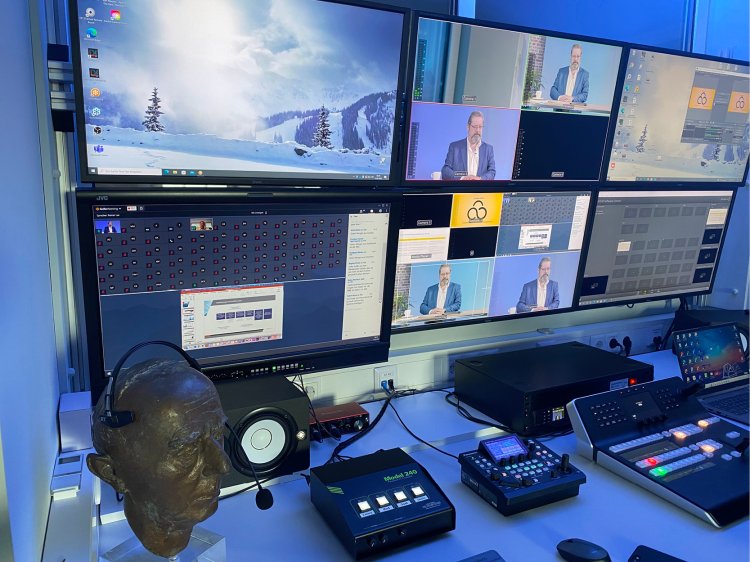
Technical support

On the day before your event, we will install the necessary programs on your laptops, set up and align the camera and carry out sound and technology checks. On the day of your event, we will set up the connection to hybrid participants and will be available to assist you by phone at any time throughout the entire duration of your event.

Services – basic package

The basic package includes the following services: 
Price: from € 790 per day
  •   Additional microphones for participants – individual price
  • Technical onsite support per hour – starting at 49€
  • TV-Screen for broadcasting participants: -  150 – 250€
  • Smart-TV incl. camera and microphone (prediaboard) – 290€
  • plementation which guarantees a seamless technical process.
Assistance for Accessibility

  • General

    We are committed to making our websites accessible. Details can be found in our Accessibility Statement. You can provide suggestions for improvement to us through our Report Barrier feedback form.

  • Font Size

    To adjust the font size, please use the following keyboard shortcuts:

    Bigger

    command
    +

    Smaller

    command

    Bigger

    Ctrl
    +

    Smaller

    Ctrl
  • Keyboard Navigation

    Use TAB and SHIFT + TAB to navigate through next/previous links, form elements, and buttons.

    Use ENTER to open links and interact with elements.

  • Contrast mode

    Drücken Sie die folgende Tastenkombination, um den Kontrast zu verringern bzw. zu vergrößern:

    Increase

    control
    option
    command
    .

    Decrease

    control
    option
    command
    ,
    Note: The shortcuts must be enabled in the system settings of the operating system.

    Press the left ALT key + left SHIFT key + PRINT to quickly turn on or off the high contrast mode

  • Invert colors

    Press the following key combination to turn on and off color inversion:

    control
    option
    command
    8
    Note: The shortcuts must be enabled in the system settings of the operating system.

    Press the left ALT key + left SHIFT key + PRINT to quickly turn on or off the high contrast mode

    1. Screen magnifier

    +

    2. Invert colors

    Ctrl
    Alt
    I
  • Screen magnifier

    Press the following key combinations to use the screen magnifier:

    Enable/disable

    option
    command
    8

    Zoom in view

    option
    command
    =

    Zoom out view

    option
    command
    Note: The shortcuts must be enabled in the system settings of the operating system.

    Activate screen magnifier / zoom in view

    +

    Zoom out view

Choose a language