

YOUR PLACE TO GROW

STUDIO SERVICES

Hosting conferences, broadcasting, producing

Are you looking for the right location for your video shoot? Then look no further.

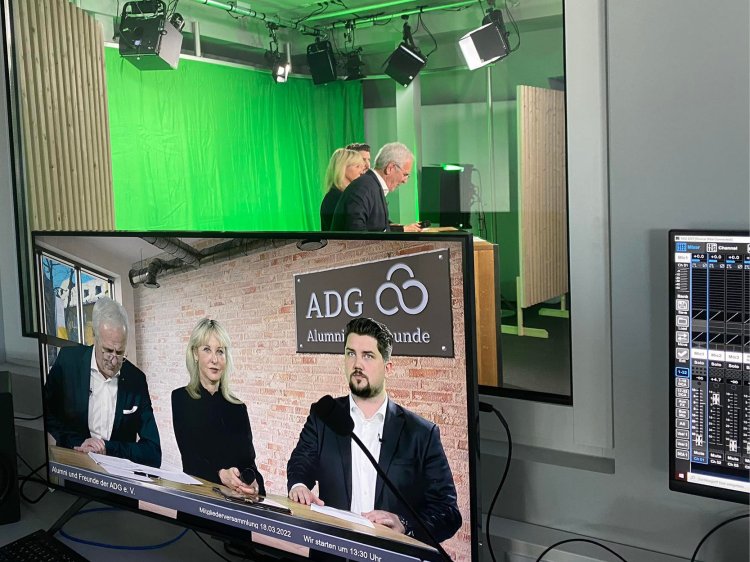
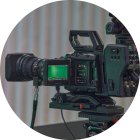
Shoot like you’re in a pro studio: in our video studio in the Schloss Montabaur Campus, you can produce your video with professional equipment and under a wide variety of shooting conditions.

Whether it’s a live talk, video statement, product presentation, interactive online training session, employer marketing film or a digital or hybrid company event for clients and employees – we have everything you need and more.

Cutting-edge technologies such as green screen, a webinar cabin, a modern editing booth with several cutting desks as well as a seminar room for your office, props or make-up department make the Schloss Montabaur video studio the place to be for your event. With real-world backgrounds, green screens and digital technology, we can transform the studio into your desired setting and provide you with the conditions for a perfect shoot.

Our two studios (Studio 1 at 80 m2 and Studio 2 at 18 m2) offer the perfect setting for your specific requirements.

See the adg studio services

Top Equipment

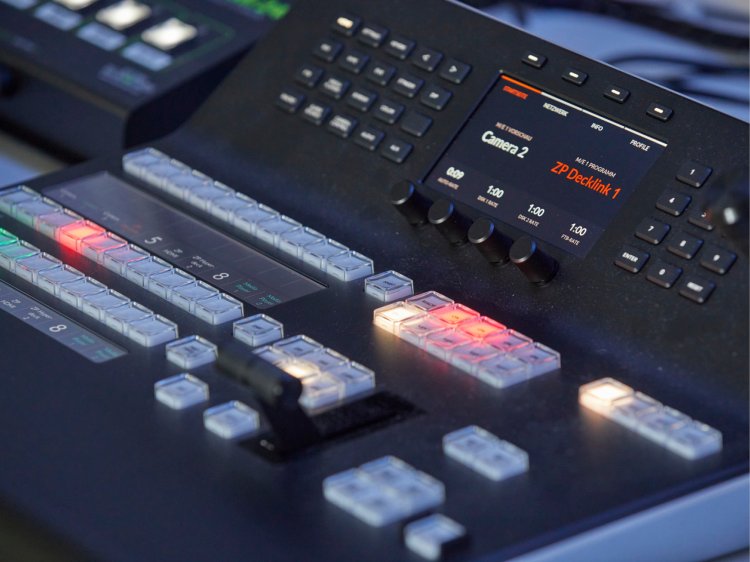
Professional studio equipment

  • High-quality video and audio equipment
  • Directors’ room with professional recording and editing equipment
  • Main studio with real background and various props
  • Green screen for on-brand set design
  • (Optional) seminar room for your office, props or make-up department, etc.
ALL-INCLUSIVE PACKAGE

Advice and support

  • Developing events concepts (content)
  • Coordinating the agenda and shooting schedule
  • Defining the required technology
  • Technology checks ahead of the event
  • Advice and support from our production team
Assistance for Accessibility

  • General

    We are committed to making our websites accessible. Details can be found in our Accessibility Statement. You can provide suggestions for improvement to us through our Report Barrier feedback form.

  • Font Size

    To adjust the font size, please use the following keyboard shortcuts:

    Bigger

    command
    +

    Smaller

    command

    Bigger

    Ctrl
    +

    Smaller

    Ctrl
  • Keyboard Navigation

    Use TAB and SHIFT + TAB to navigate through next/previous links, form elements, and buttons.

    Use ENTER to open links and interact with elements.

  • Contrast mode

    Drücken Sie die folgende Tastenkombination, um den Kontrast zu verringern bzw. zu vergrößern:

    Increase

    control
    option
    command
    .

    Decrease

    control
    option
    command
    ,
    Note: The shortcuts must be enabled in the system settings of the operating system.

    Press the left ALT key + left SHIFT key + PRINT to quickly turn on or off the high contrast mode

  • Invert colors

    Press the following key combination to turn on and off color inversion:

    control
    option
    command
    8
    Note: The shortcuts must be enabled in the system settings of the operating system.

    Press the left ALT key + left SHIFT key + PRINT to quickly turn on or off the high contrast mode

    1. Screen magnifier

    +

    2. Invert colors

    Ctrl
    Alt
    I
  • Screen magnifier

    Press the following key combinations to use the screen magnifier:

    Enable/disable

    option
    command
    8

    Zoom in view

    option
    command
    =

    Zoom out view

    option
    command
    Note: The shortcuts must be enabled in the system settings of the operating system.

    Activate screen magnifier / zoom in view

    +

    Zoom out view

Choose a language