

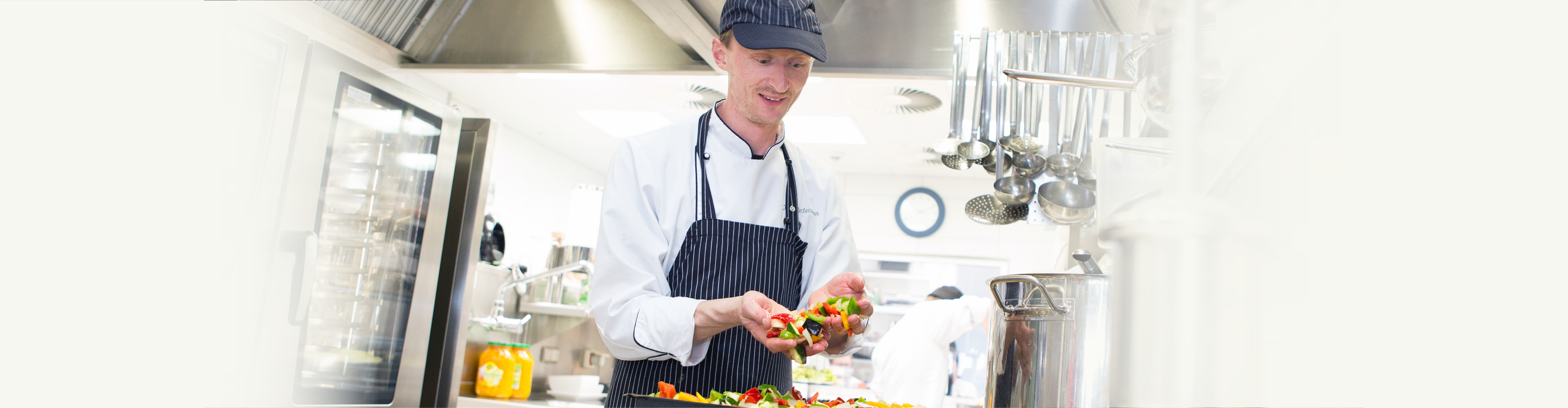
View into the kitchen of Restaurant Weitblick

YOUR PLACE TO ENJOY

Food anD drink

Simply good food

If you value tasty, healthy food you will be thrilled: in our very own cuisine, we prepare our dishes freshly each day using seasonal and local ingredients, including some organic products. From healthy snacks to gala dinners, from breakfast to your evening meal: we emphasise freshness and quality for the good of your health. Head chef Ralph Lohr and his team reinterpret classic dishes anew each day, ensuring plenty of variety. Naturally light and nourishing to also meet the specific requirements of our seminar guests engaged in “brain work” – so that you can enjoy good food and power on through your day. 
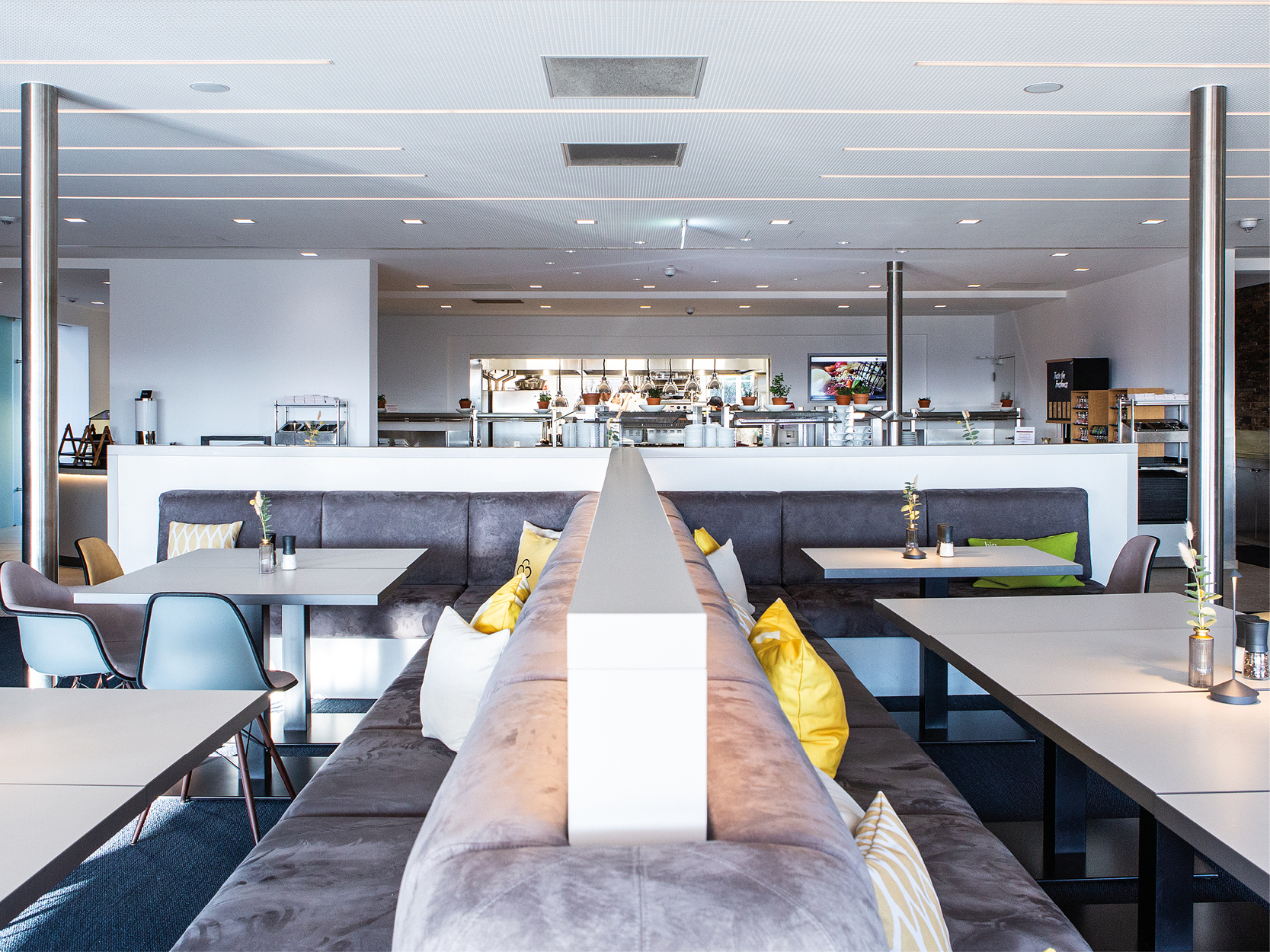
Restaurant Weitblick at Hotel Schloss Montabaur with panoramic view

BUFFET RESTAURANT

Weitblick

Fresh, healthy, balanced and always delicious! Breakfast, lunch and dinner buffets offer you a wide variety of dishes, served with breath-taking views – perfect for a relaxed meal in good company. 
Want to find out more?

a place for networking and connection

bar

Netzwerk

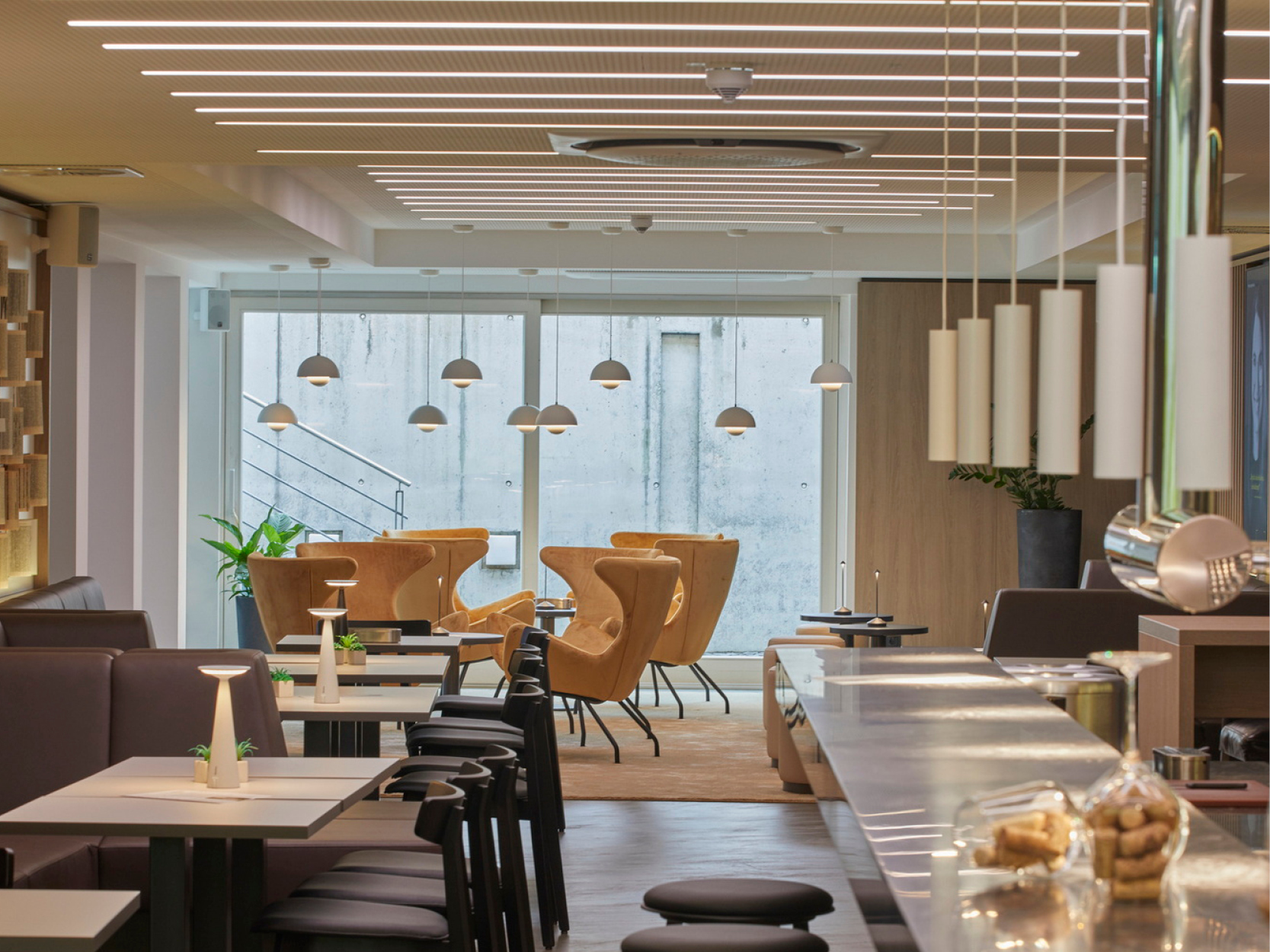
Stylish, casual and ideal for networking with our other guests – it’s our revamped Netzwerk bar. The extensive drink selection and separate lounge area make the bar the "place to connect", for relaxed get-togethers and for networking.

Find out more

Assistance for Accessibility

  • General

    We are committed to making our websites accessible. Details can be found in our Accessibility Statement. You can provide suggestions for improvement to us through our Report Barrier feedback form.

  • Font Size

    To adjust the font size, please use the following keyboard shortcuts:

    Bigger

    command
    +

    Smaller

    command

    Bigger

    Ctrl
    +

    Smaller

    Ctrl
  • Keyboard Navigation

    Use TAB and SHIFT + TAB to navigate through next/previous links, form elements, and buttons.

    Use ENTER to open links and interact with elements.

  • Contrast mode

    Drücken Sie die folgende Tastenkombination, um den Kontrast zu verringern bzw. zu vergrößern:

    Increase

    control
    option
    command
    .

    Decrease

    control
    option
    command
    ,
    Note: The shortcuts must be enabled in the system settings of the operating system.

    Press the left ALT key + left SHIFT key + PRINT to quickly turn on or off the high contrast mode

  • Invert colors

    Press the following key combination to turn on and off color inversion:

    control
    option
    command
    8
    Note: The shortcuts must be enabled in the system settings of the operating system.

    Press the left ALT key + left SHIFT key + PRINT to quickly turn on or off the high contrast mode

    1. Screen magnifier

    +

    2. Invert colors

    Ctrl
    Alt
    I
  • Screen magnifier

    Press the following key combinations to use the screen magnifier:

    Enable/disable

    option
    command
    8

    Zoom in view

    option
    command
    =

    Zoom out view

    option
    command
    Note: The shortcuts must be enabled in the system settings of the operating system.

    Activate screen magnifier / zoom in view

    +

    Zoom out view

Choose a language