

YOUR PLACE TO ENJOY

food & Buffets

 Individual, balanced, healthy

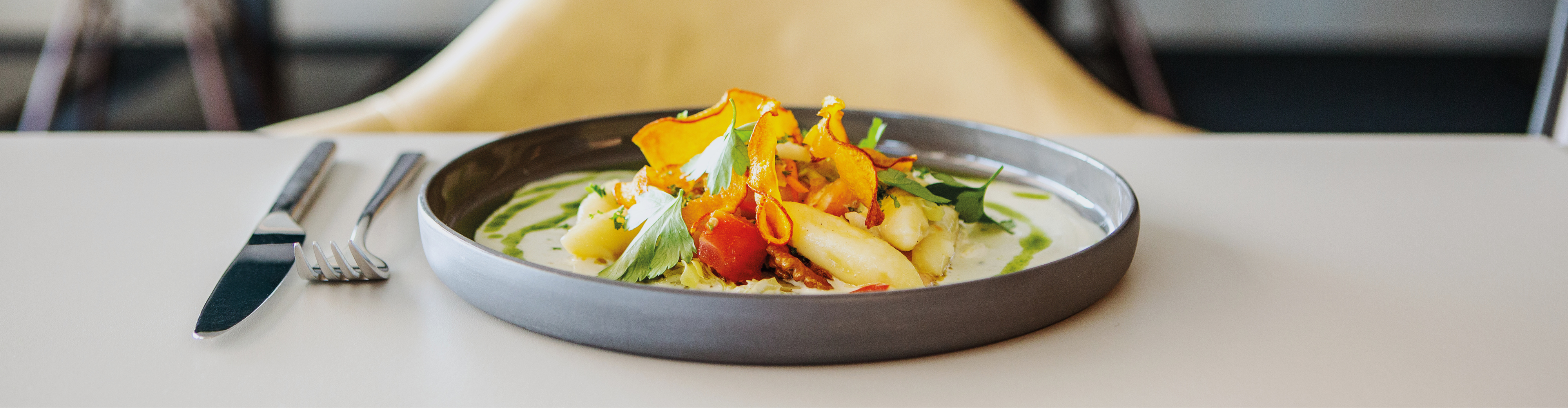
Simply good: Our delicious buffets combine balance and freshness and offer a wealth of exquisite dishes and non-alcoholic drinks - of course we also ensure a selection of vegetarian and vegan components. So there's sure to be something for everyone!
Vital start

breakfast buffet

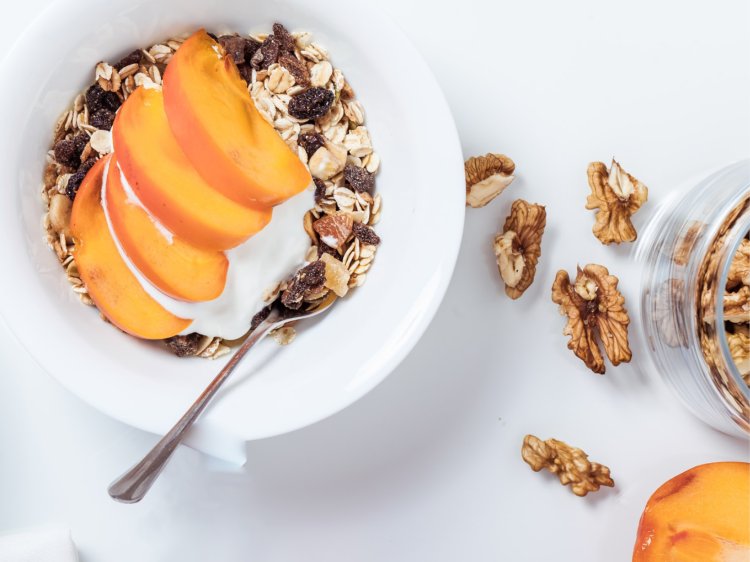
An all-round vital start to the day! The rich breakfast buffet offers everything to get you fit for an active and successful day: energy sources such as freshly squeezed orange juice or changing smoothies, honey directly from the beekeeper, homemade Bircher muesli, nuts, seeds and cereals are included, as well as yoghurts, natural and partly vegan milk and cheese. We get our sausage specialties directly from the local butcher and we prepare homemade spreads for you every day. We get our bread specialties, baked goods and pastries fresh from the local bakery.
fresh and wholesome

lunch buffet

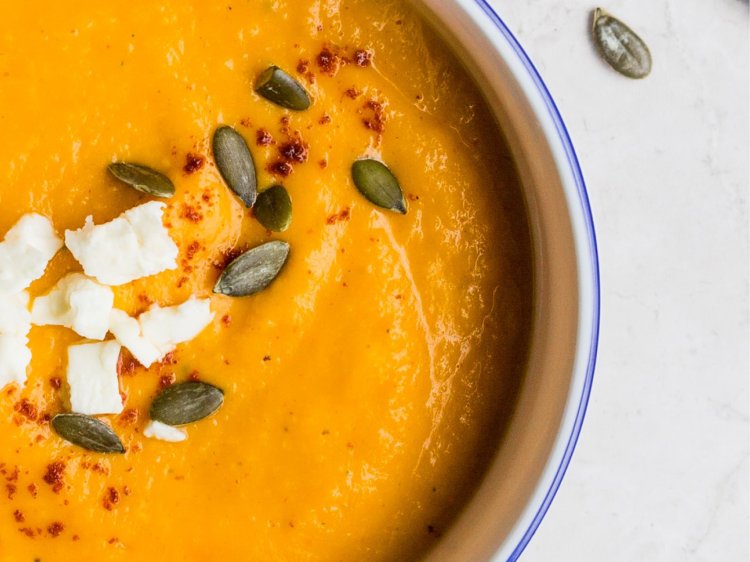
At lunchtime, the buffet offers soups and fresh salads with various toppings (nuts, seeds, grains and much more) as well as fresh baked bread. You have the choice between two light and wholesome warm main courses and can enjoy a changing selection of homemade creams and delicious desserts.
For in between

Afternoon break

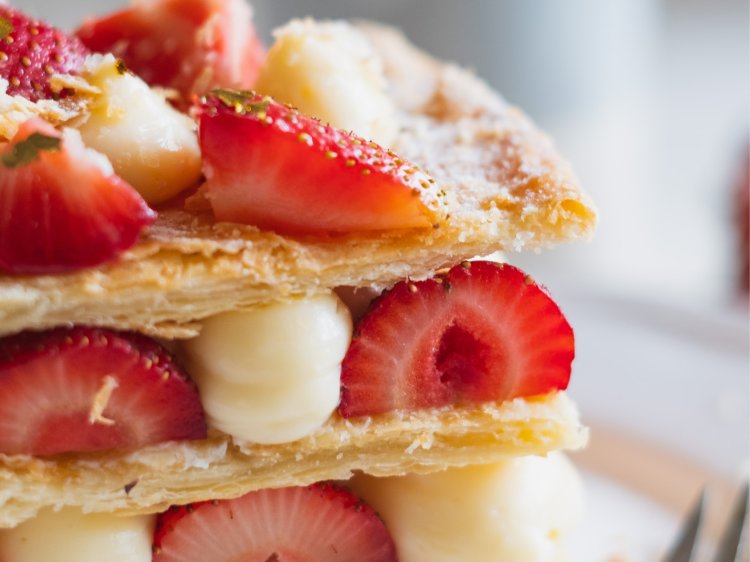
A wide selection of fresh cakes from our local bakery and exquisite coffee specialties make the Weitblick buffet restaurant the ideal place for your afternoon break.

cold & Warm

Dinner buffet

The cold and warm evening buffet convinces with fine antipasti, fresh bread and a high-quality cheese selection. In addition to fish and meat dishes, there are tasty side dishes that you can put together according to your taste.

Assistance for Accessibility

  • General

    We are committed to making our websites accessible. Details can be found in our Accessibility Statement. You can provide suggestions for improvement to us through our Report Barrier feedback form.

  • Font Size

    To adjust the font size, please use the following keyboard shortcuts:

    Bigger

    command
    +

    Smaller

    command

    Bigger

    Ctrl
    +

    Smaller

    Ctrl
  • Keyboard Navigation

    Use TAB and SHIFT + TAB to navigate through next/previous links, form elements, and buttons.

    Use ENTER to open links and interact with elements.

  • Contrast mode

    Drücken Sie die folgende Tastenkombination, um den Kontrast zu verringern bzw. zu vergrößern:

    Increase

    control
    option
    command
    .

    Decrease

    control
    option
    command
    ,
    Note: The shortcuts must be enabled in the system settings of the operating system.

    Press the left ALT key + left SHIFT key + PRINT to quickly turn on or off the high contrast mode

  • Invert colors

    Press the following key combination to turn on and off color inversion:

    control
    option
    command
    8
    Note: The shortcuts must be enabled in the system settings of the operating system.

    Press the left ALT key + left SHIFT key + PRINT to quickly turn on or off the high contrast mode

    1. Screen magnifier

    +

    2. Invert colors

    Ctrl
    Alt
    I
  • Screen magnifier

    Press the following key combinations to use the screen magnifier:

    Enable/disable

    option
    command
    8

    Zoom in view

    option
    command
    =

    Zoom out view

    option
    command
    Note: The shortcuts must be enabled in the system settings of the operating system.

    Activate screen magnifier / zoom in view

    +

    Zoom out view

Choose a language