
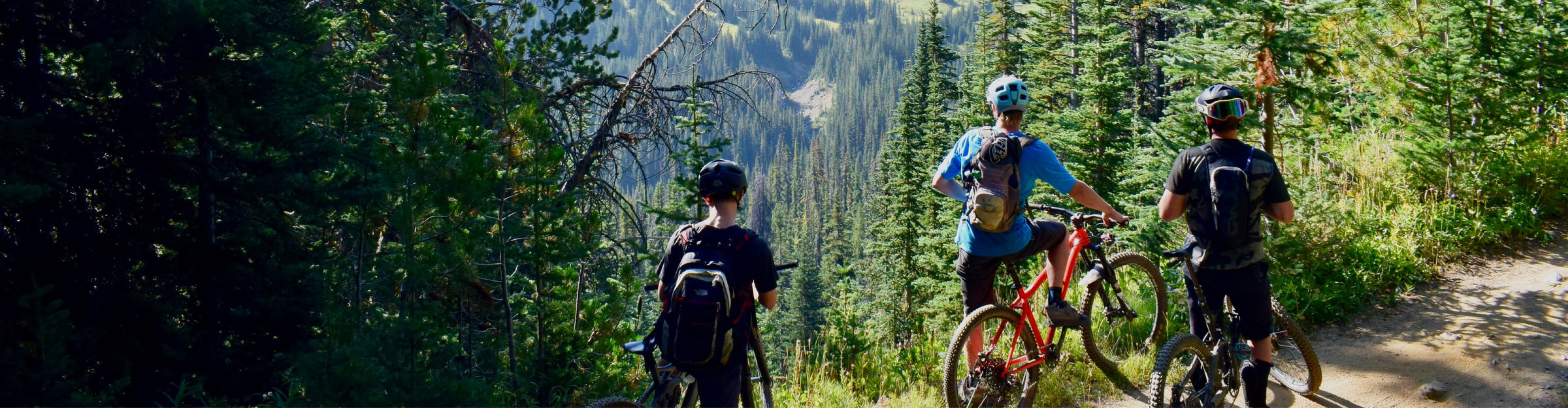
Three cyclists wearing helmets and backpacks standing on a sunlit forest path surrounded by tall pine trees, with expansive green hills and valleys visible in the background under a clear sky

YOUR PLACE TO ENJOY

IN NATURe

Actively enjoying nature

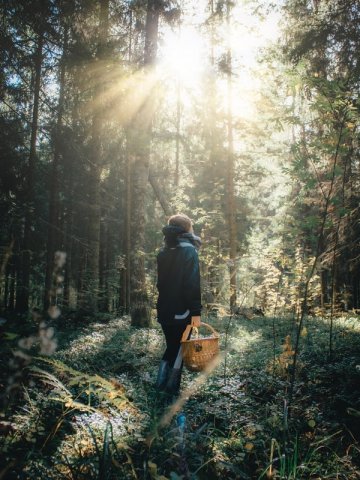
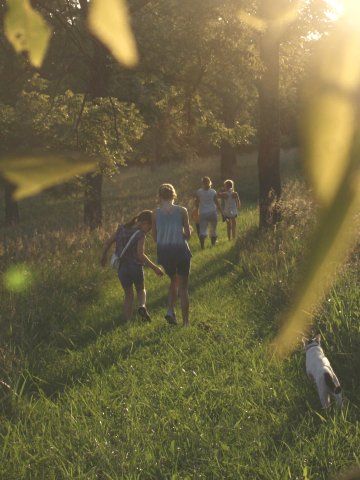
The beauty of the Westerwald landscape has a relaxing effect. There is a large network of numerous walking routes of all difficulty levels, offering you wonderful opportunities to experience the charm of our region. From leisurely strolls on themed trails, to challenging hikes or Nordic walking tours, there is something to suit every taste and season. The Koomot app has great suggestions to guide you, and you can hire Nordic walking poles from us at the hotel. There are also around 80 km of signposted cycling routes via which to explore the region’s unique natural diversity in the saddle of a mountain bike or e-bike. There is also a well-maintained tennis court and magical golf courses in the immediate vicinity, just waiting to be enjoyed.

More great tips for outings

Assistance for Accessibility

  • General

    We are committed to making our websites accessible. Details can be found in our Accessibility Statement. You can provide suggestions for improvement to us through our Report Barrier feedback form.

  • Font Size

    To adjust the font size, please use the following keyboard shortcuts:

    Bigger

    command
    +

    Smaller

    command

    Bigger

    Ctrl
    +

    Smaller

    Ctrl
  • Keyboard Navigation

    Use TAB and SHIFT + TAB to navigate through next/previous links, form elements, and buttons.

    Use ENTER to open links and interact with elements.

  • Contrast mode

    Drücken Sie die folgende Tastenkombination, um den Kontrast zu verringern bzw. zu vergrößern:

    Increase

    control
    option
    command
    .

    Decrease

    control
    option
    command
    ,
    Note: The shortcuts must be enabled in the system settings of the operating system.

    Press the left ALT key + left SHIFT key + PRINT to quickly turn on or off the high contrast mode

  • Invert colors

    Press the following key combination to turn on and off color inversion:

    control
    option
    command
    8
    Note: The shortcuts must be enabled in the system settings of the operating system.

    Press the left ALT key + left SHIFT key + PRINT to quickly turn on or off the high contrast mode

    1. Screen magnifier

    +

    2. Invert colors

    Ctrl
    Alt
    I
  • Screen magnifier

    Press the following key combinations to use the screen magnifier:

    Enable/disable

    option
    command
    8

    Zoom in view

    option
    command
    =

    Zoom out view

    option
    command
    Note: The shortcuts must be enabled in the system settings of the operating system.

    Activate screen magnifier / zoom in view

    +

    Zoom out view

Choose a language