
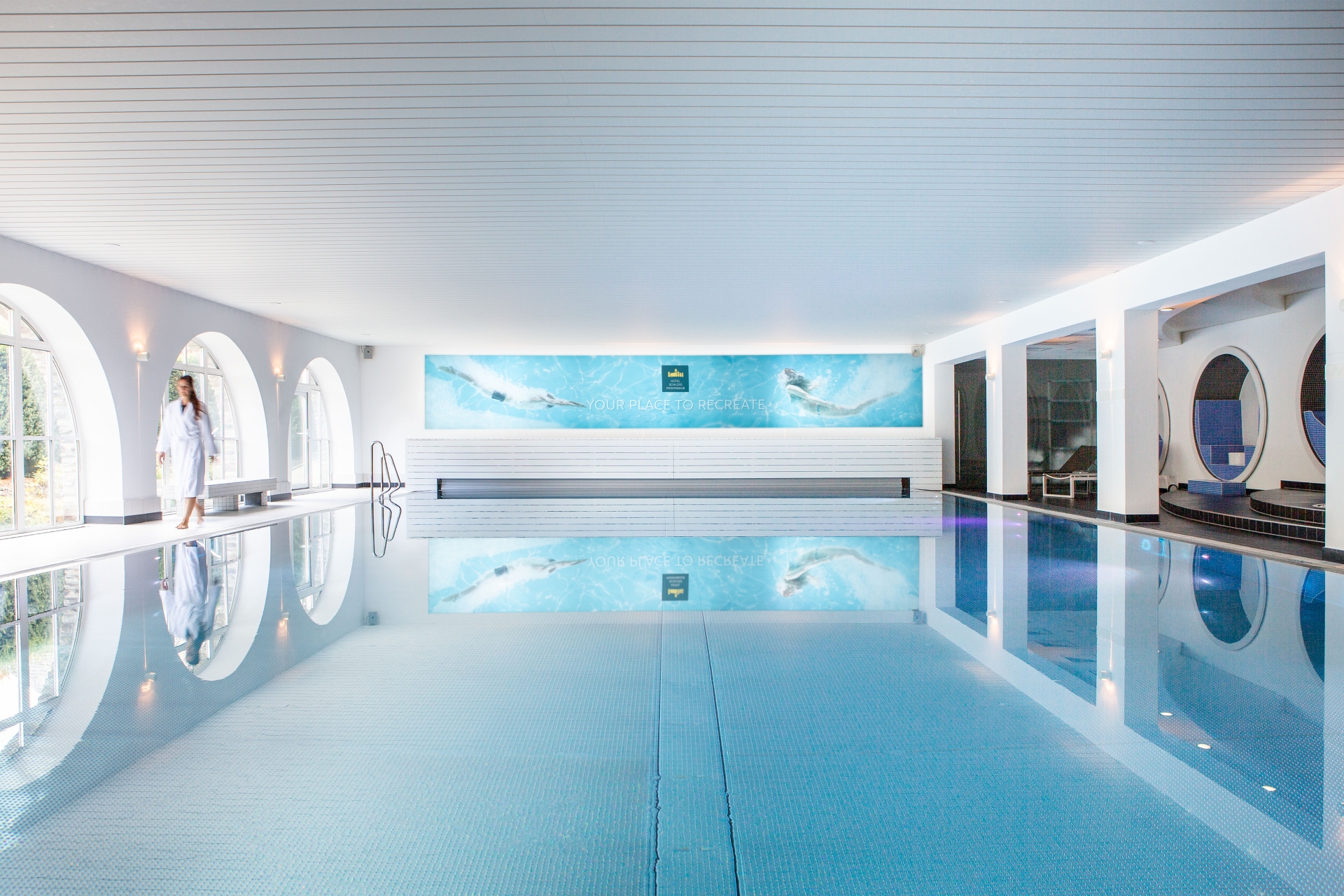
Modern spa pool at Montabaur Castle Hotel featuring large arched windows and elegant architecture.

YOUR PLACE TO RECREATE

Spa & Wellness

Preious free time

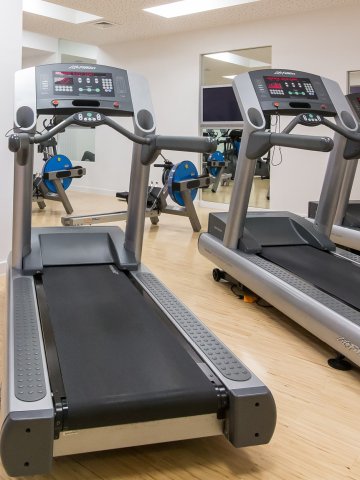
Why not treat yourself to some proper relaxation? Our exclusive spa area is the perfect place to recharge your batteries. Swim a few lengths in our large pool (9 x 18 m), work out on the modern cardio equipment in our fitness studio or relax in one of our saunas. Our stylishly furnishing wellness area with various relaxation zones invites you to relax.

Enjoy the peace and quiet beneath the night sky on a waterbed, read a book, or simply do nothing for once. 

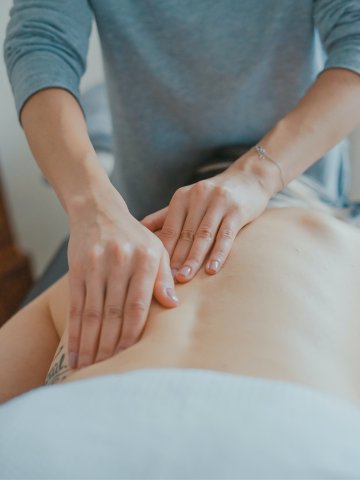
And as a special highlight, we also offer you massages. 

Our business spa and massage offer is reserved for our hotel guests.

Remember your bathing shoes and prevent slipping accidents!
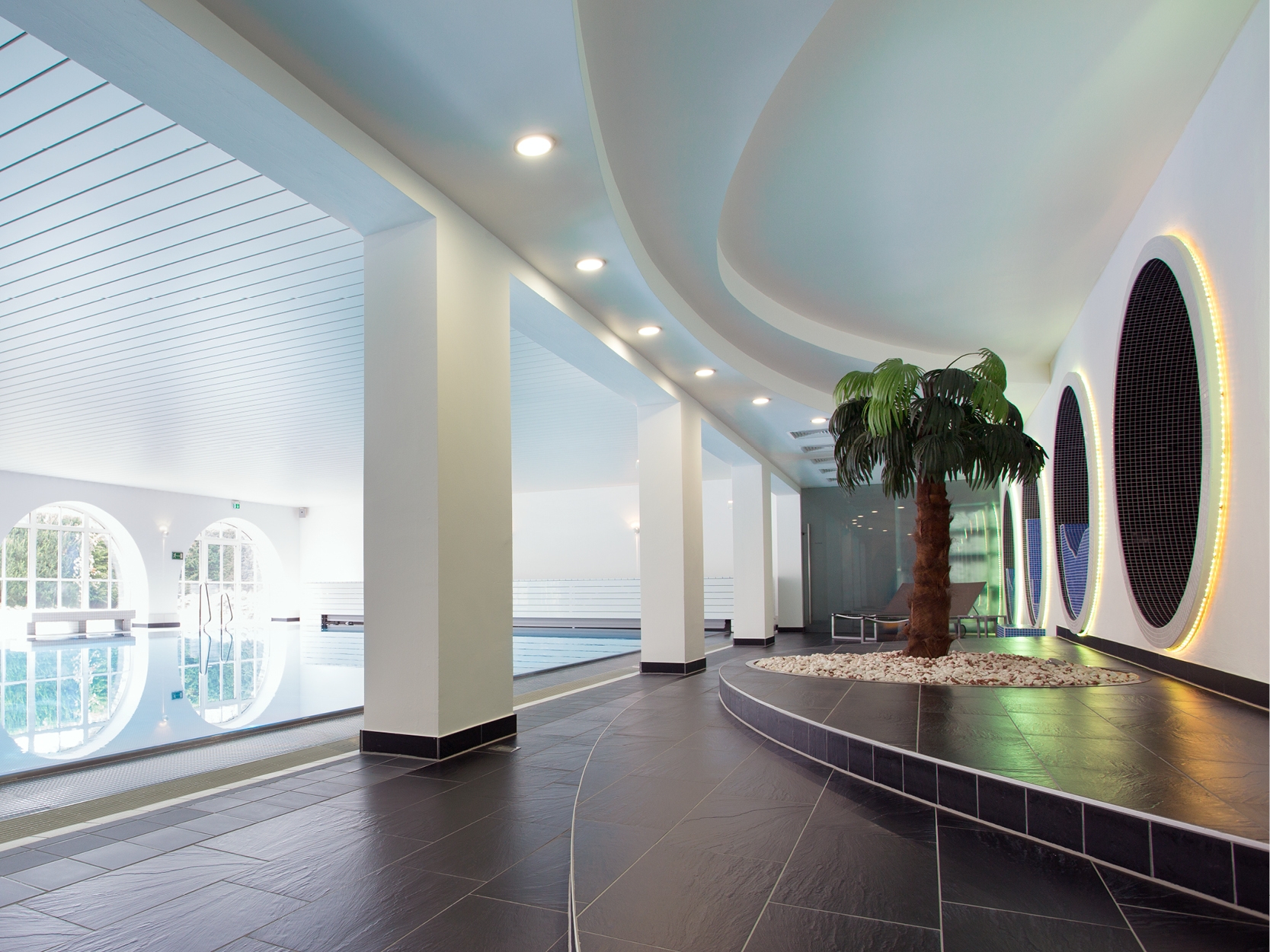
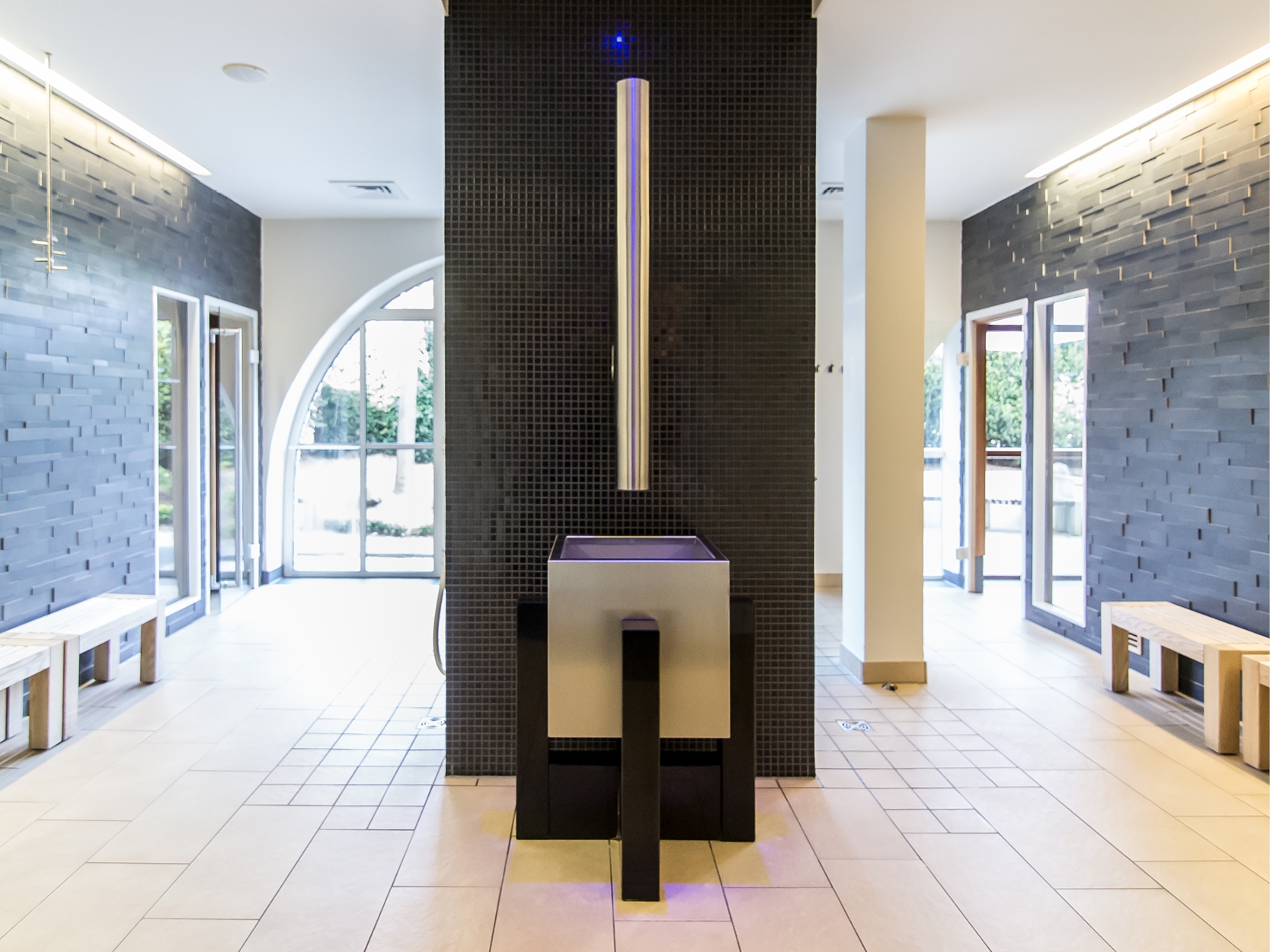
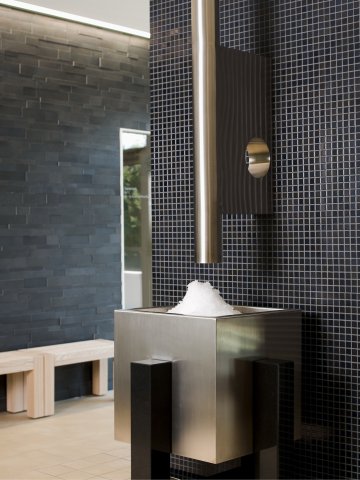
Bright and welcoming sauna anteroom with comfortable seating for relaxation.
Relax.
Unwind.
Recharge.
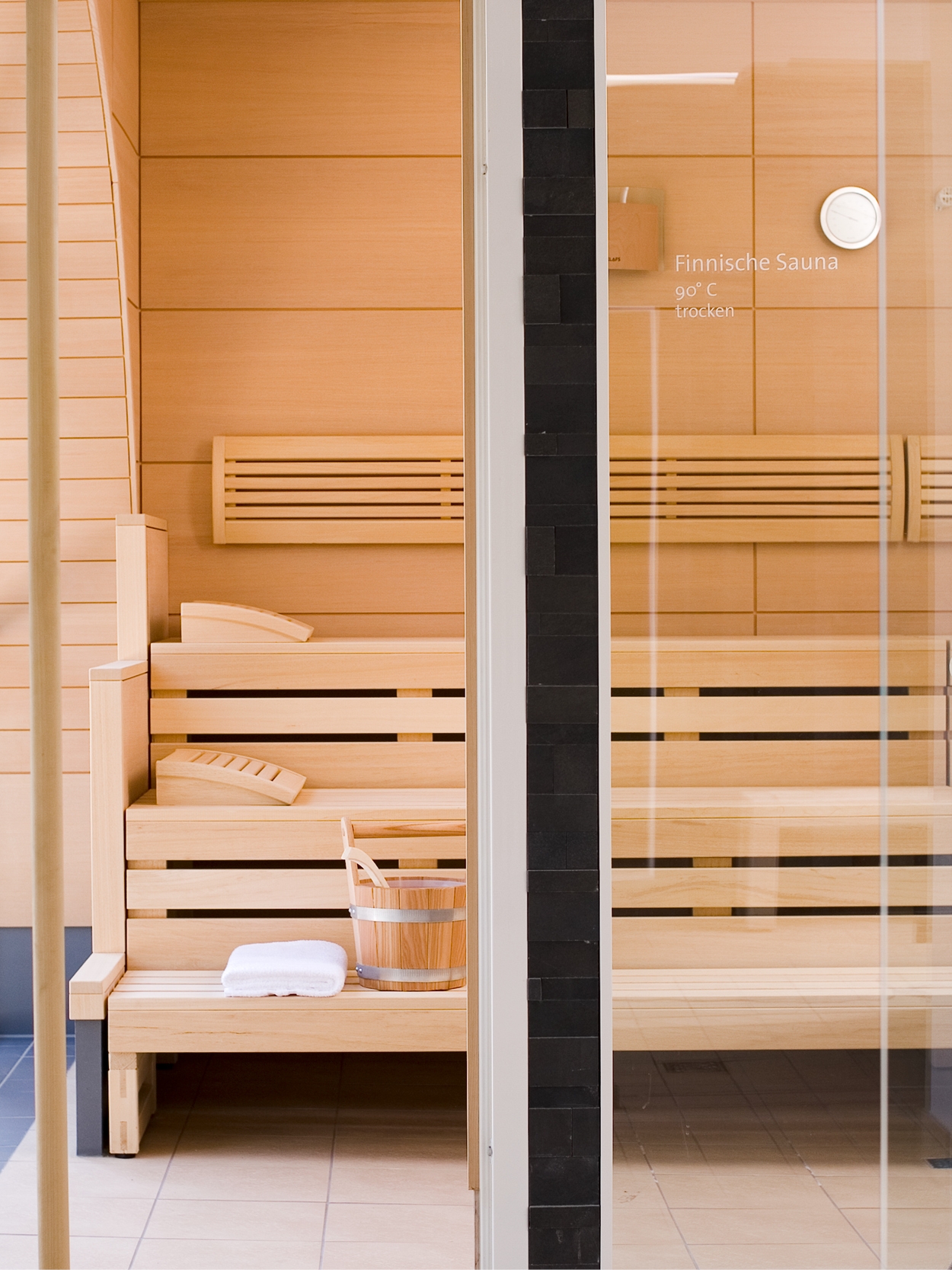
Guests relaxing in the stylish sauna at Hotel Schloss Montabaur

Sauna, gym, pool.

Sport and relaxation: in our spa area, you can recharge and leave everyday life behind. 

Sauna, gym, pool.

Spa
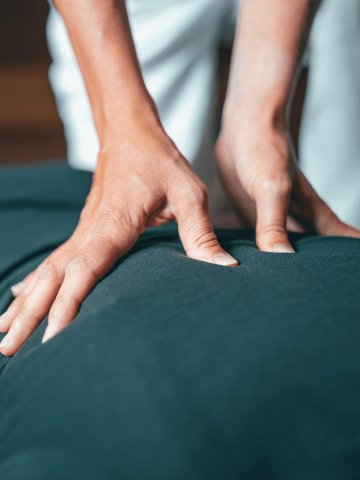
Guest enjoying a soothing massage in the wellness area
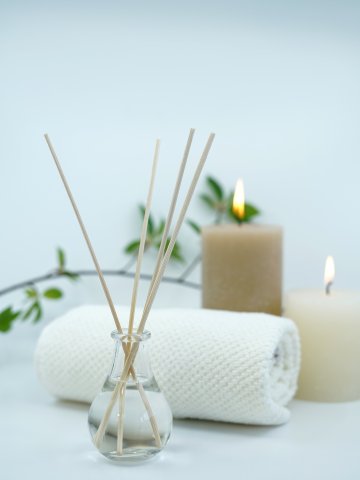
Spa setup at Montabaur Castle Hotel featuring reed diffuser, candles, and towel for a calming atmosphere.
Back massage at the spa of Montabaur Castle Hotel for ultimate relaxation and well-being.

Treat yourself to something truly special with one of our massages, tailored to your specific needs

our Massages

Assistance for Accessibility

  • General

    We are committed to making our websites accessible. Details can be found in our Accessibility Statement. You can provide suggestions for improvement to us through our Report Barrier feedback form.

  • Font Size

    To adjust the font size, please use the following keyboard shortcuts:

    Bigger

    command
    +

    Smaller

    command

    Bigger

    Ctrl
    +

    Smaller

    Ctrl
  • Keyboard Navigation

    Use TAB and SHIFT + TAB to navigate through next/previous links, form elements, and buttons.

    Use ENTER to open links and interact with elements.

  • Contrast mode

    Drücken Sie die folgende Tastenkombination, um den Kontrast zu verringern bzw. zu vergrößern:

    Increase

    control
    option
    command
    .

    Decrease

    control
    option
    command
    ,
    Note: The shortcuts must be enabled in the system settings of the operating system.

    Press the left ALT key + left SHIFT key + PRINT to quickly turn on or off the high contrast mode

  • Invert colors

    Press the following key combination to turn on and off color inversion:

    control
    option
    command
    8
    Note: The shortcuts must be enabled in the system settings of the operating system.

    Press the left ALT key + left SHIFT key + PRINT to quickly turn on or off the high contrast mode

    1. Screen magnifier

    +

    2. Invert colors

    Ctrl
    Alt
    I
  • Screen magnifier

    Press the following key combinations to use the screen magnifier:

    Enable/disable

    option
    command
    8

    Zoom in view

    option
    command
    =

    Zoom out view

    option
    command
    Note: The shortcuts must be enabled in the system settings of the operating system.

    Activate screen magnifier / zoom in view

    +

    Zoom out view

Choose a language