YOUR PLACE TO GROW

events rooms

Events Centre

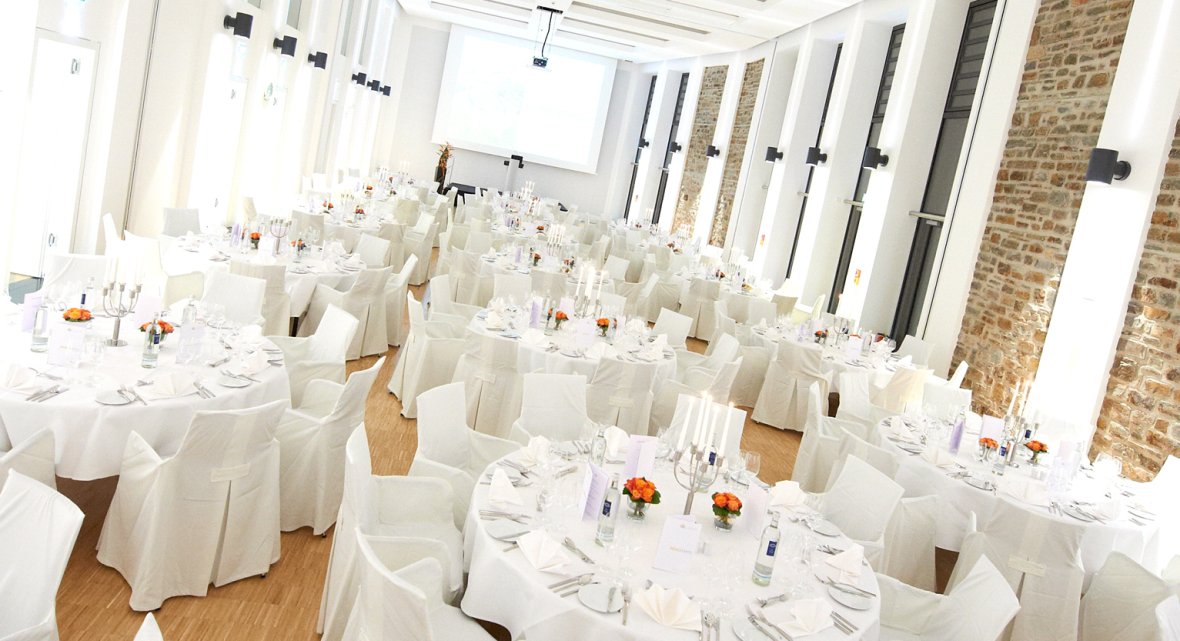
With its 550 m² of events space spread across two floors and accommodating up to 250 participants, our modern events centre is "your place to grow".  

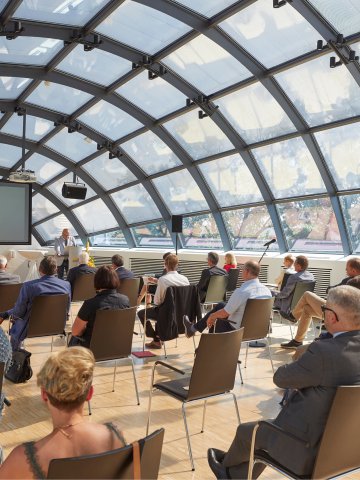
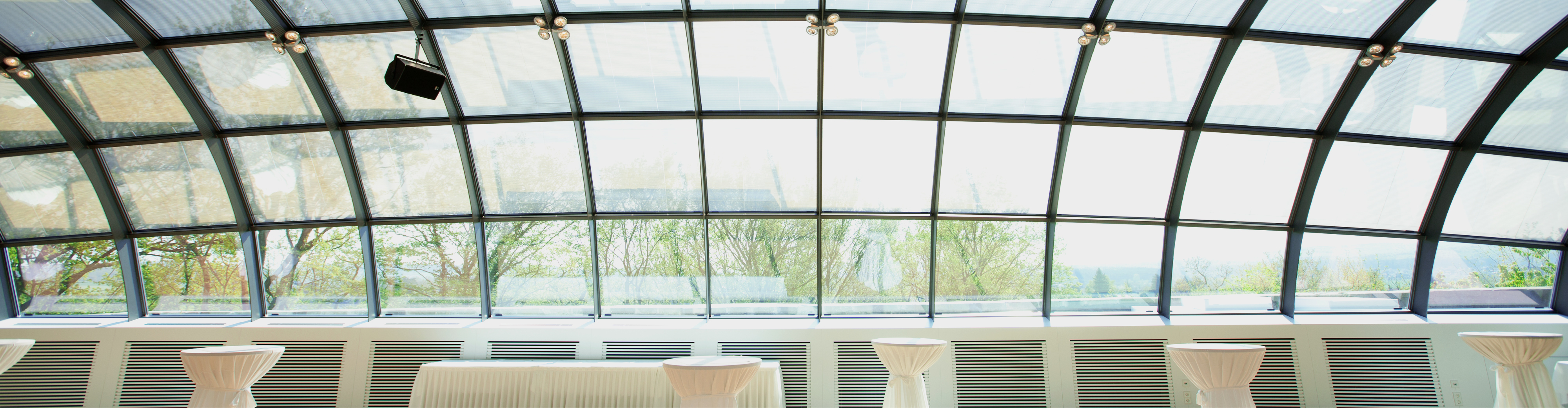
Impressive modern architecture, large windows, high ceilings with a glass dome and a terrace with wonderful views of Montabaur and the Westerwald create ideal conditions for your event on both floor of the events centre: Room 900 on the bottom floor can be divided into three separate events rooms (120, 103 and 102 m²) using mobile partition walls. Directly beneath the glass dome on the top floor, there is another partitionable room with ‘wow effect’. Both floors offer direct access to the outdoors and can accommodate whichever seating arrangement best suits your event.  
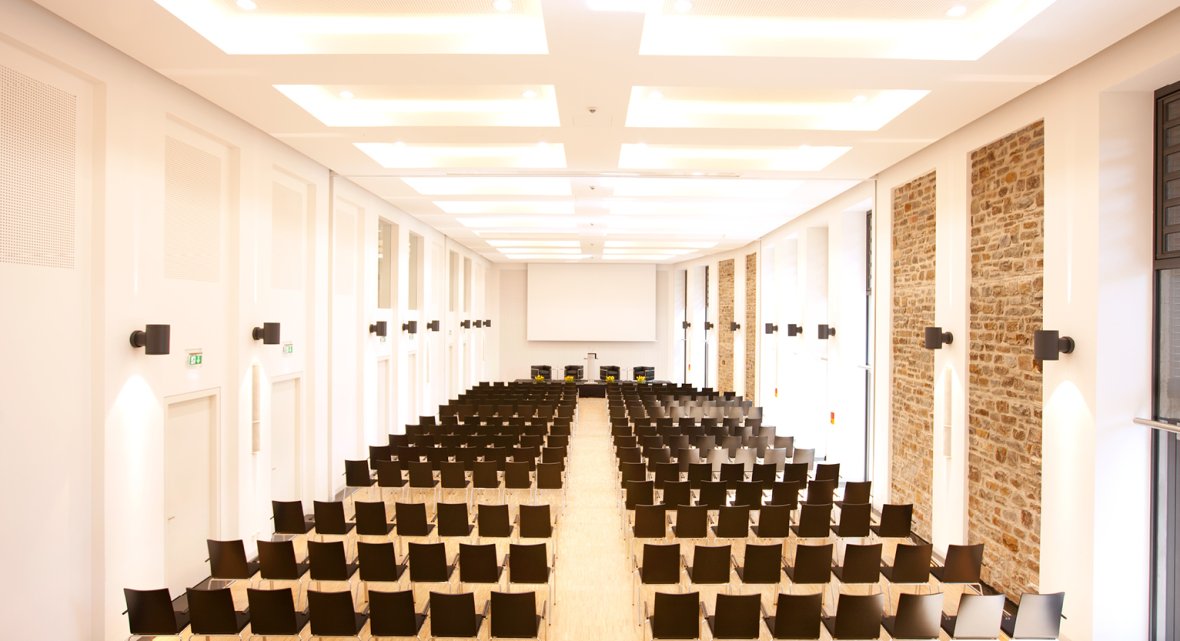
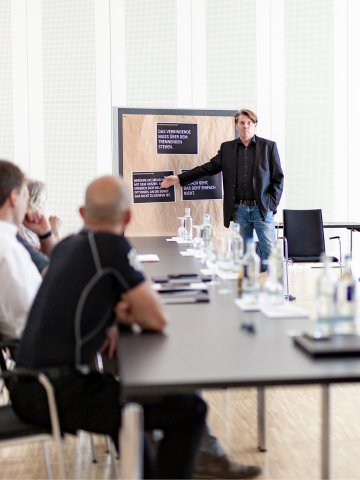
Meet, connect, create – the event center offers the perfect setting.Lectures in Room 900 
Where events make an impact.The impressive architecture of the glass dome
Interior view of a spacious hall featuring multiple round tables with white tablecloths and chair covers, orange floral arrangements, cutlery and glasses, bright walls with natural stone accents, and a projection screen in the backgroundRoom 900 for festive dinners


Optimal conditions for your event

Highly professional
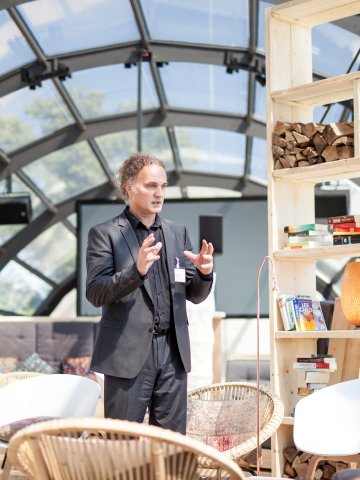
onference and event area at Hotel Schloss Montabaur
Interior of the glass dome with a speaker in business attire, white armchairs, rattan chairs, decorative bookshelf with books and lamps, and glass roof structure in the background
Successful together

baCK to thr overview of the events rooms

Assistance for Accessibility

  • General

    We are committed to making our websites accessible. Details can be found in our Accessibility Statement. You can provide suggestions for improvement to us through our Report Barrier feedback form.

  • Font Size

    To adjust the font size, please use the following keyboard shortcuts:

    Bigger

    command
    +

    Smaller

    command

    Bigger

    Ctrl
    +

    Smaller

    Ctrl
  • Keyboard Navigation

    Use TAB and SHIFT + TAB to navigate through next/previous links, form elements, and buttons.

    Use ENTER to open links and interact with elements.

  • Contrast mode

    Drücken Sie die folgende Tastenkombination, um den Kontrast zu verringern bzw. zu vergrößern:

    Increase

    control
    option
    command
    .

    Decrease

    control
    option
    command
    ,
    Note: The shortcuts must be enabled in the system settings of the operating system.

    Press the left ALT key + left SHIFT key + PRINT to quickly turn on or off the high contrast mode

  • Invert colors

    Press the following key combination to turn on and off color inversion:

    control
    option
    command
    8
    Note: The shortcuts must be enabled in the system settings of the operating system.

    Press the left ALT key + left SHIFT key + PRINT to quickly turn on or off the high contrast mode

    1. Screen magnifier

    +

    2. Invert colors

    Ctrl
    Alt
    I
  • Screen magnifier

    Press the following key combinations to use the screen magnifier:

    Enable/disable

    option
    command
    8

    Zoom in view

    option
    command
    =

    Zoom out view

    option
    command
    Note: The shortcuts must be enabled in the system settings of the operating system.

    Activate screen magnifier / zoom in view

    +

    Zoom out view

Choose a language